
- Working prototype
- Healthcare ordering
- Customer portal
Mediq EasySupplies chosen. Order prepared.
A working prototype for choosing healthcare supplies and preparing an order for the right organisation.
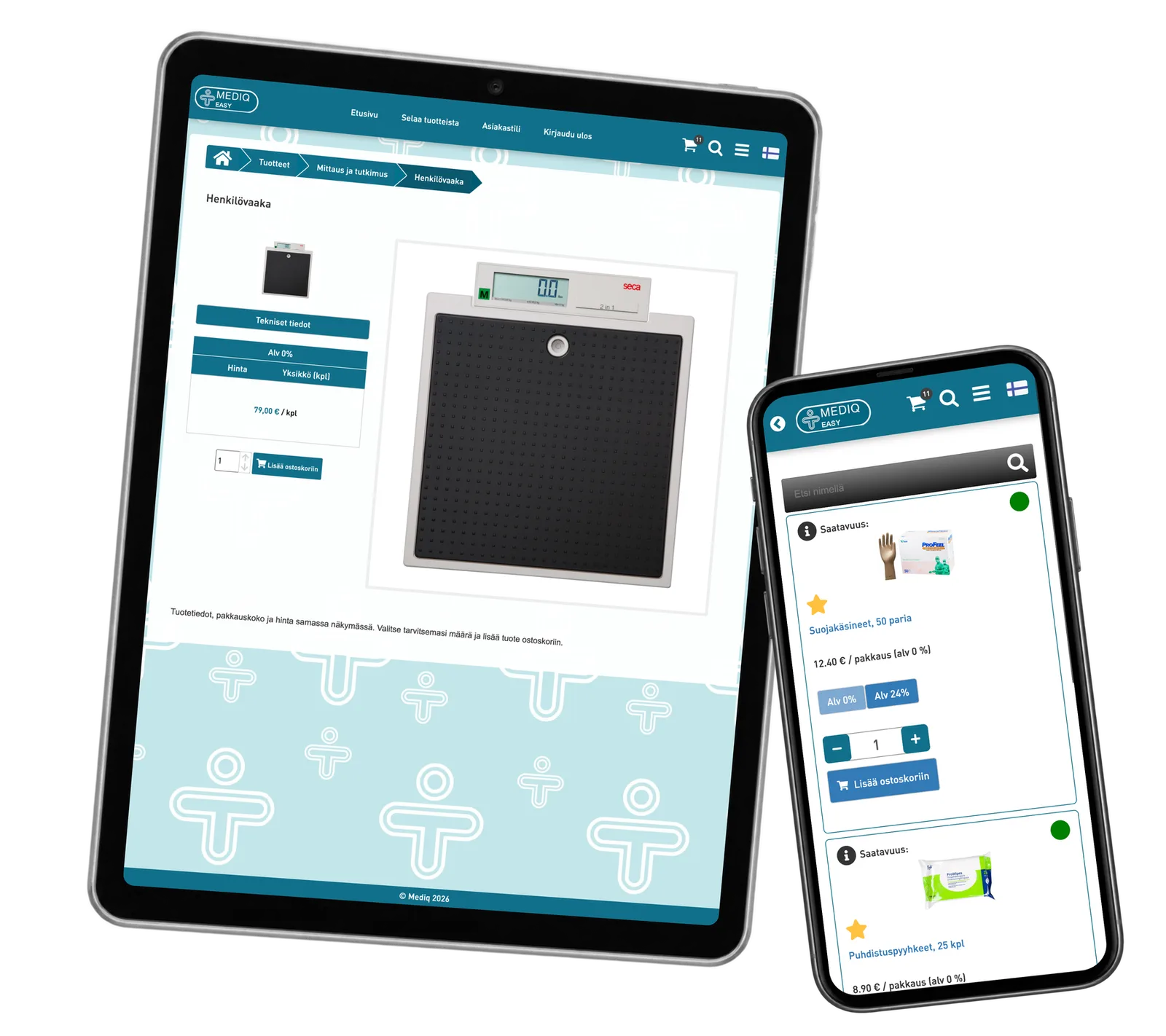
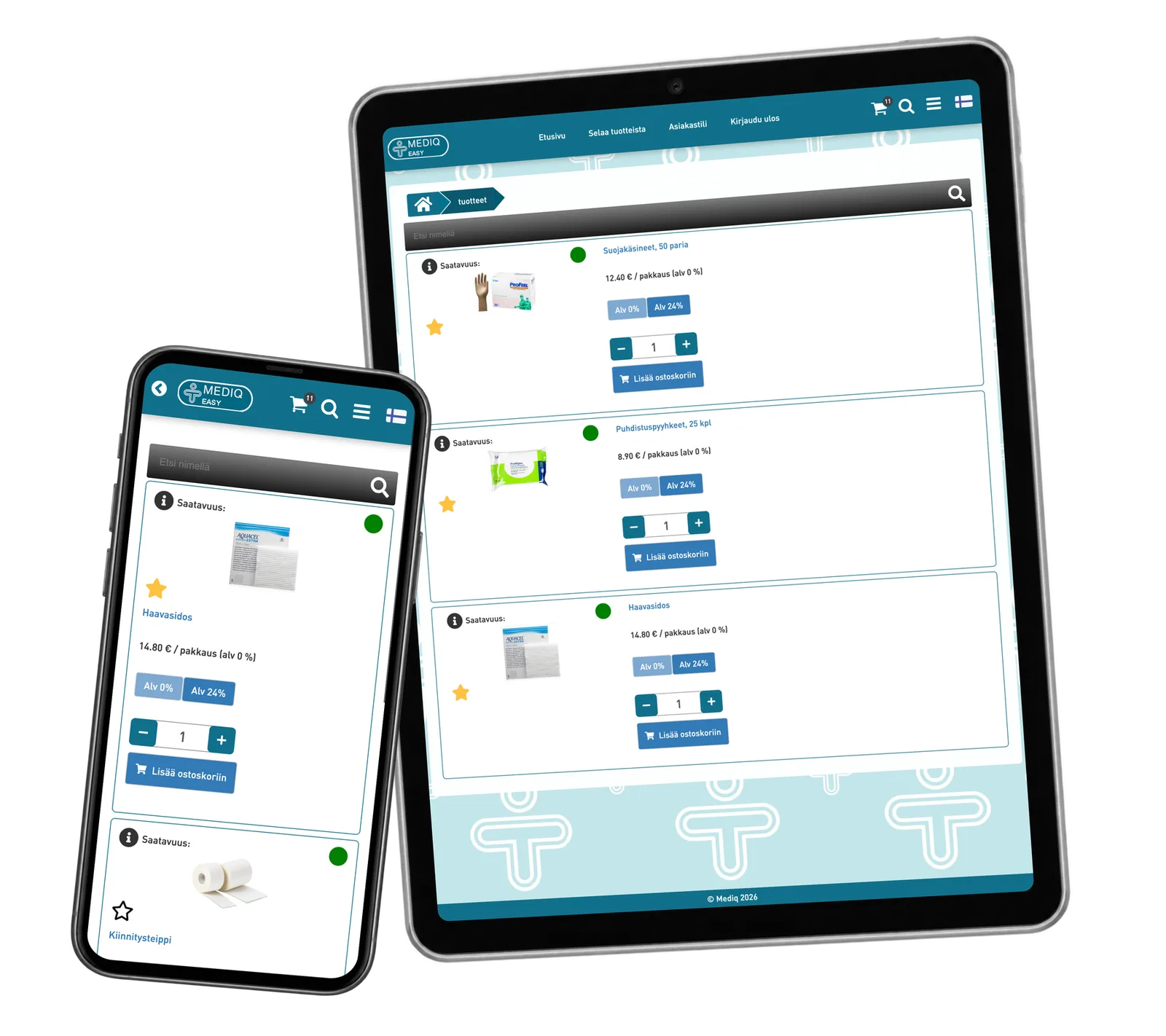
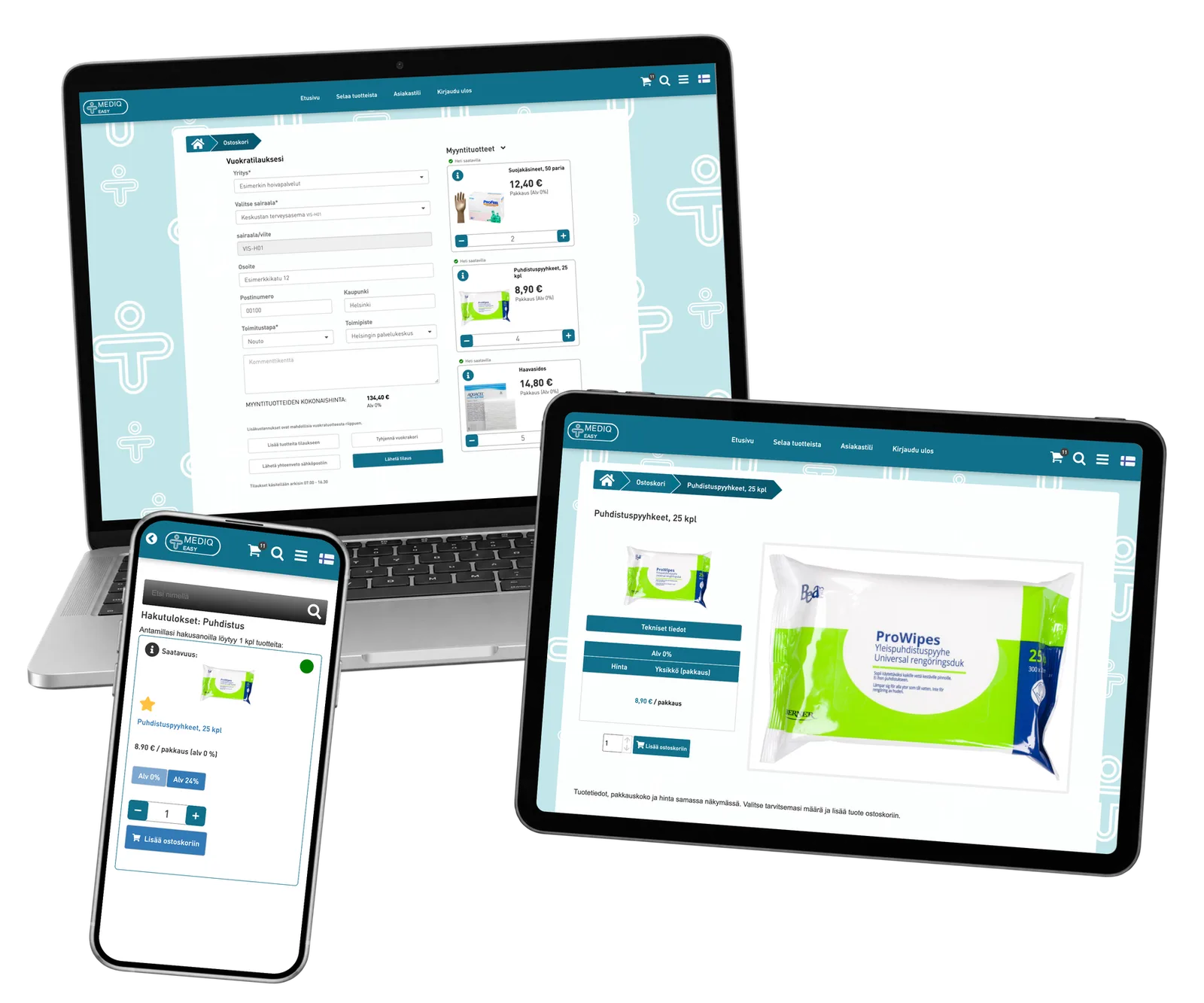
A healthcare ordering prototype that brings product photos, pack sizes, prices, favourites and clinic order details into one portal. ReApptor made the route from choosing supplies to preparing an organisation’s order tangible on mobile and desktop.
- Suomi (Finnish)
- English (English)
- Svenska (Swedish)
- Norsk (Norwegian)
- Polski (Polish)
- Dansk (Danish)
ReApptor can build multilingual workflows for teams and customers working across markets!
Case overview
Business problem
The right supplies for the right care site
An order is more than a product name. The person choosing supplies needs to recognise the item, check its pack and price, and specify a quantity. The supplier needs to know which organisation and care site the order belongs to, with the relevant reference and delivery details.
Connect the catalogue to the order
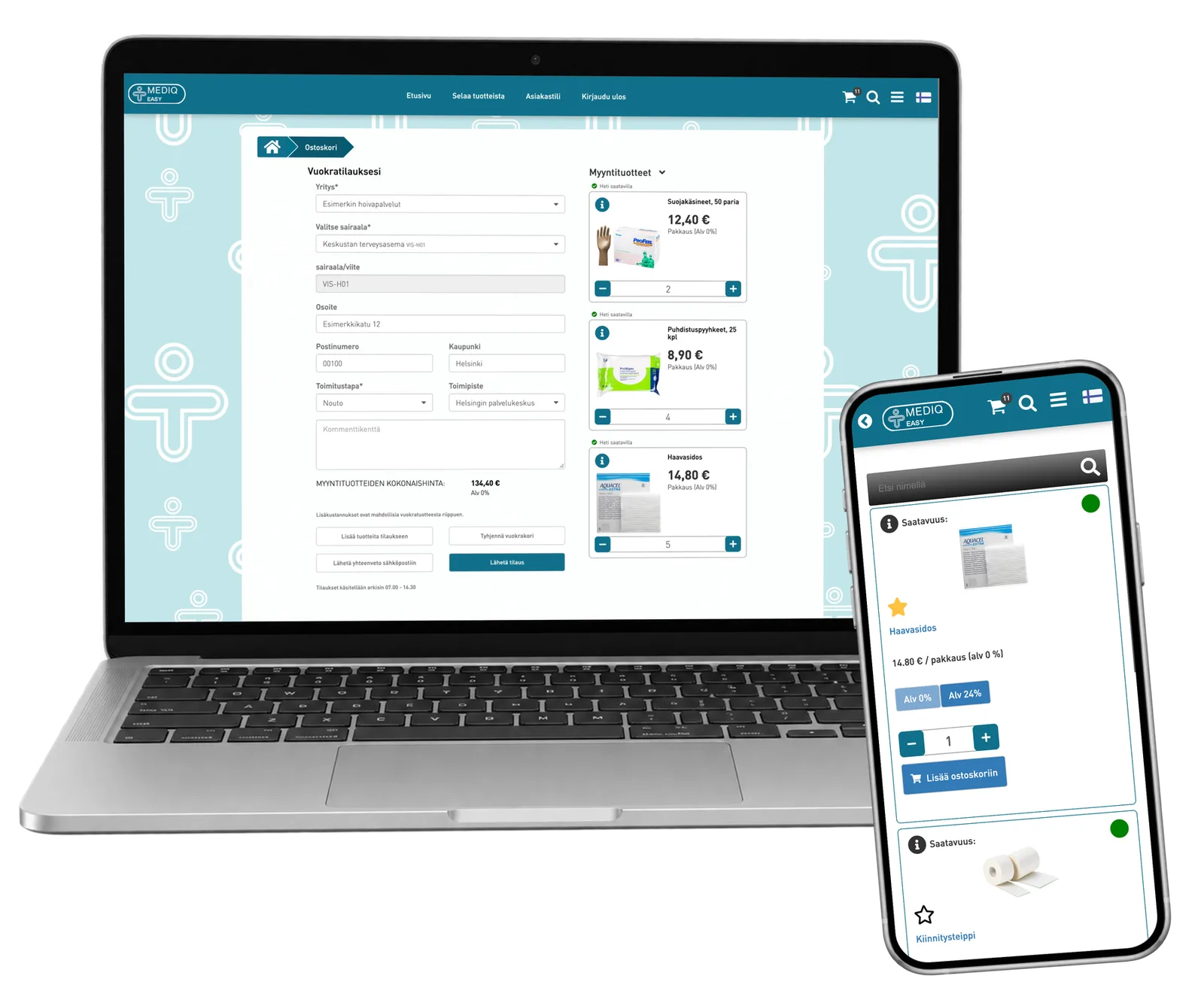
ReApptor connected categories, search, product details and personal favourites to a basket with organisation and care-site selection. The prototype keeps selected items, quantities and the order total beside the recipient details. Earlier orders remain available through the account. The screenshots use prepared demonstration data.
Screenshots and media
Screenshots and media
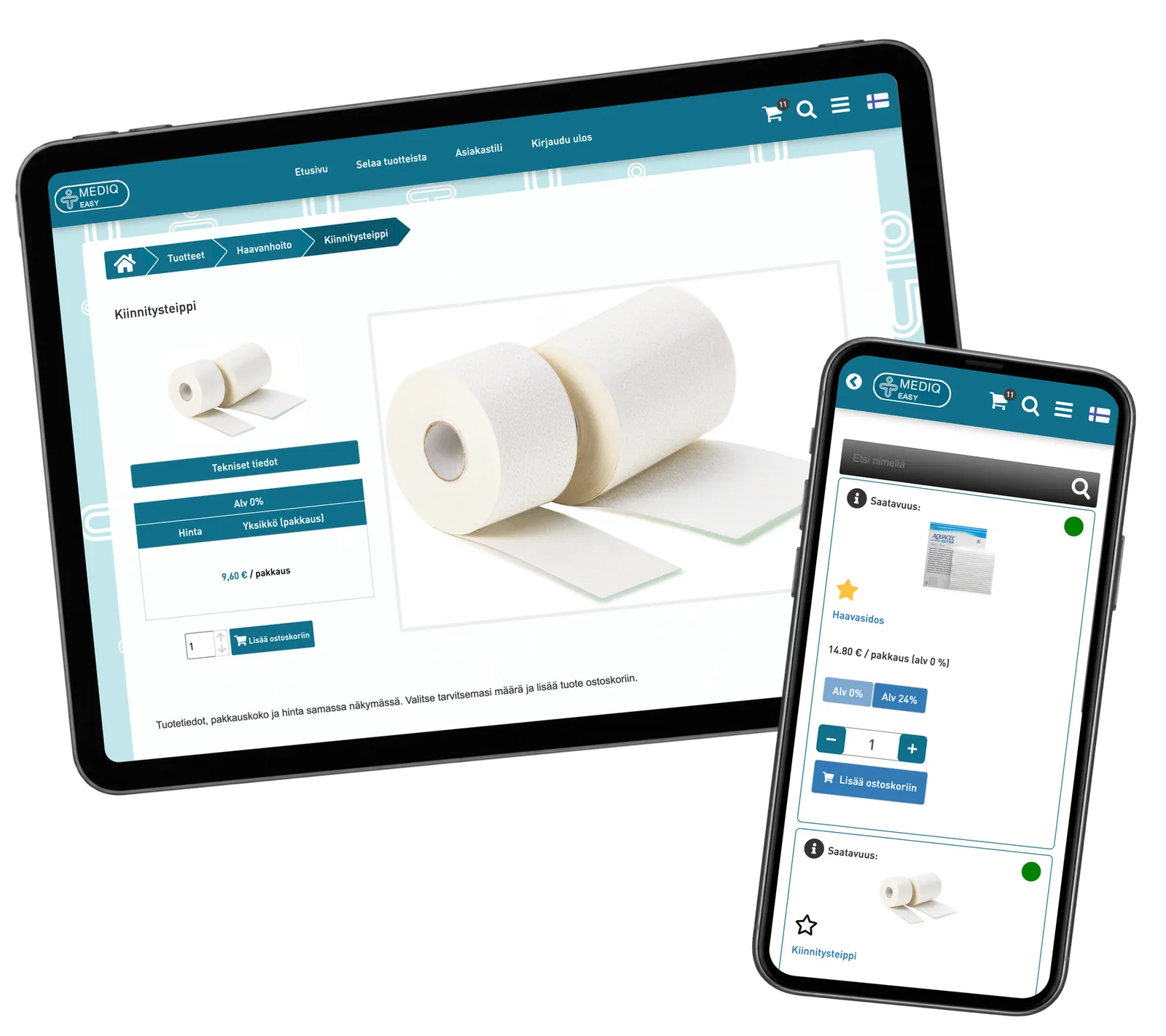
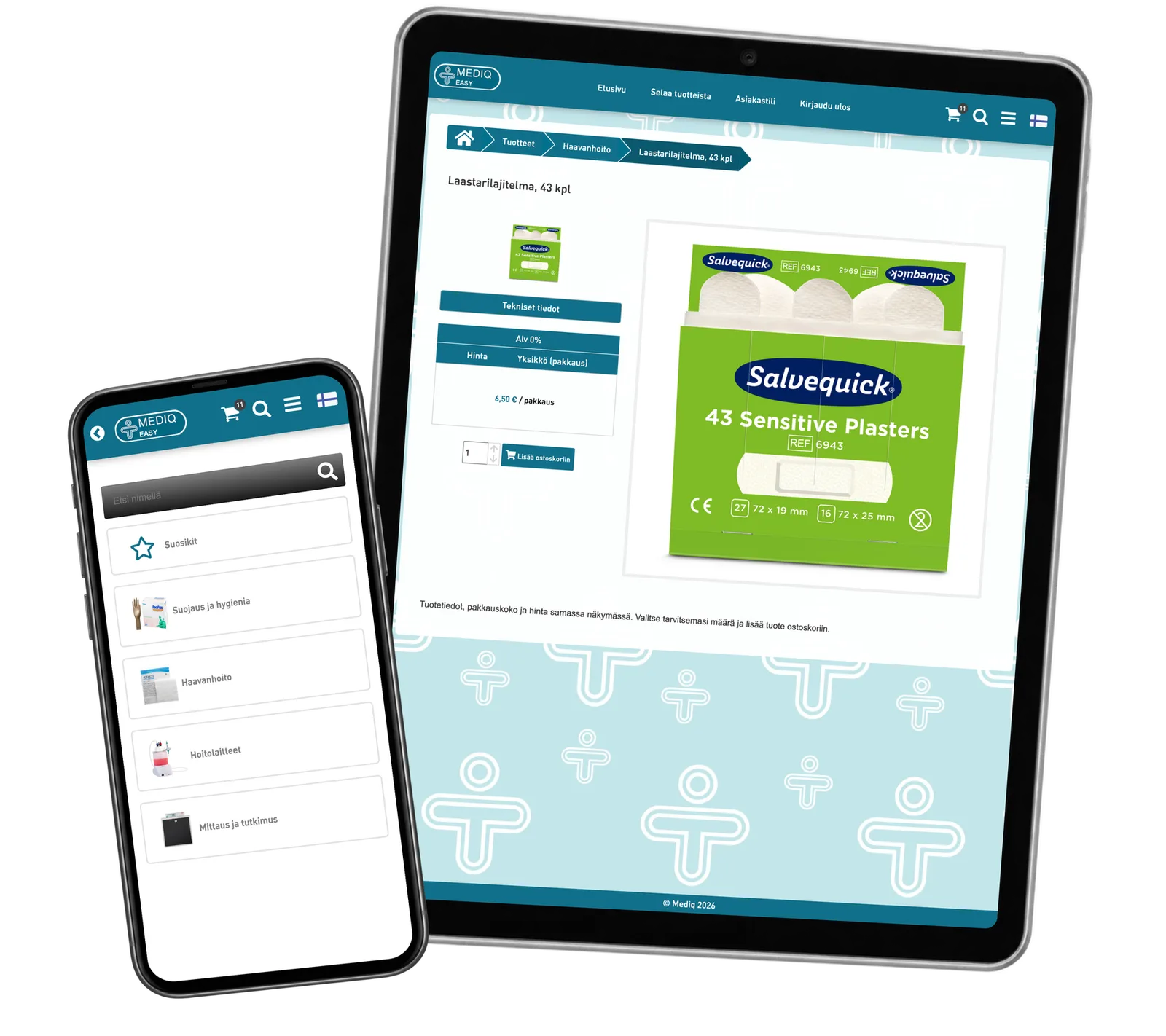
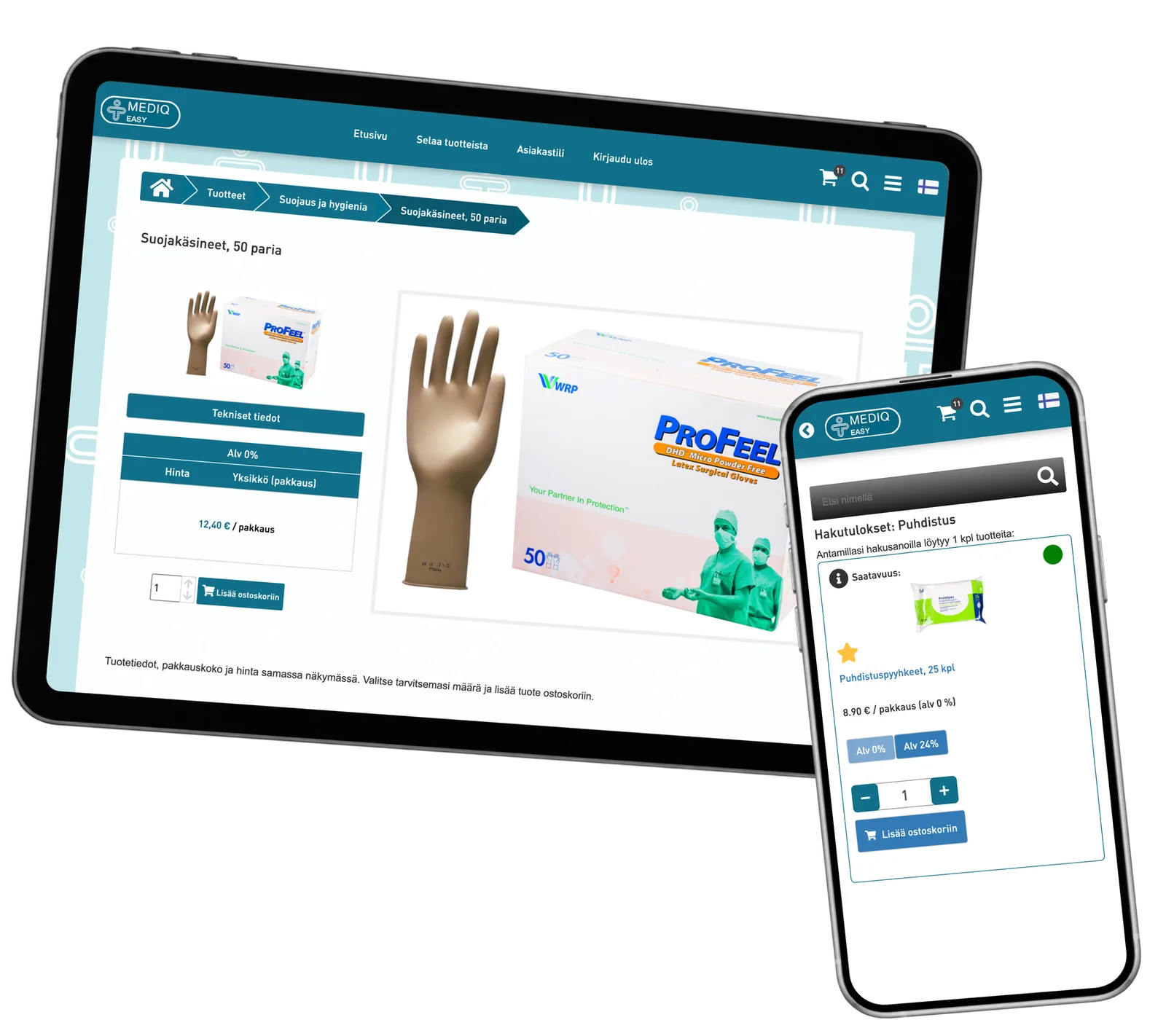
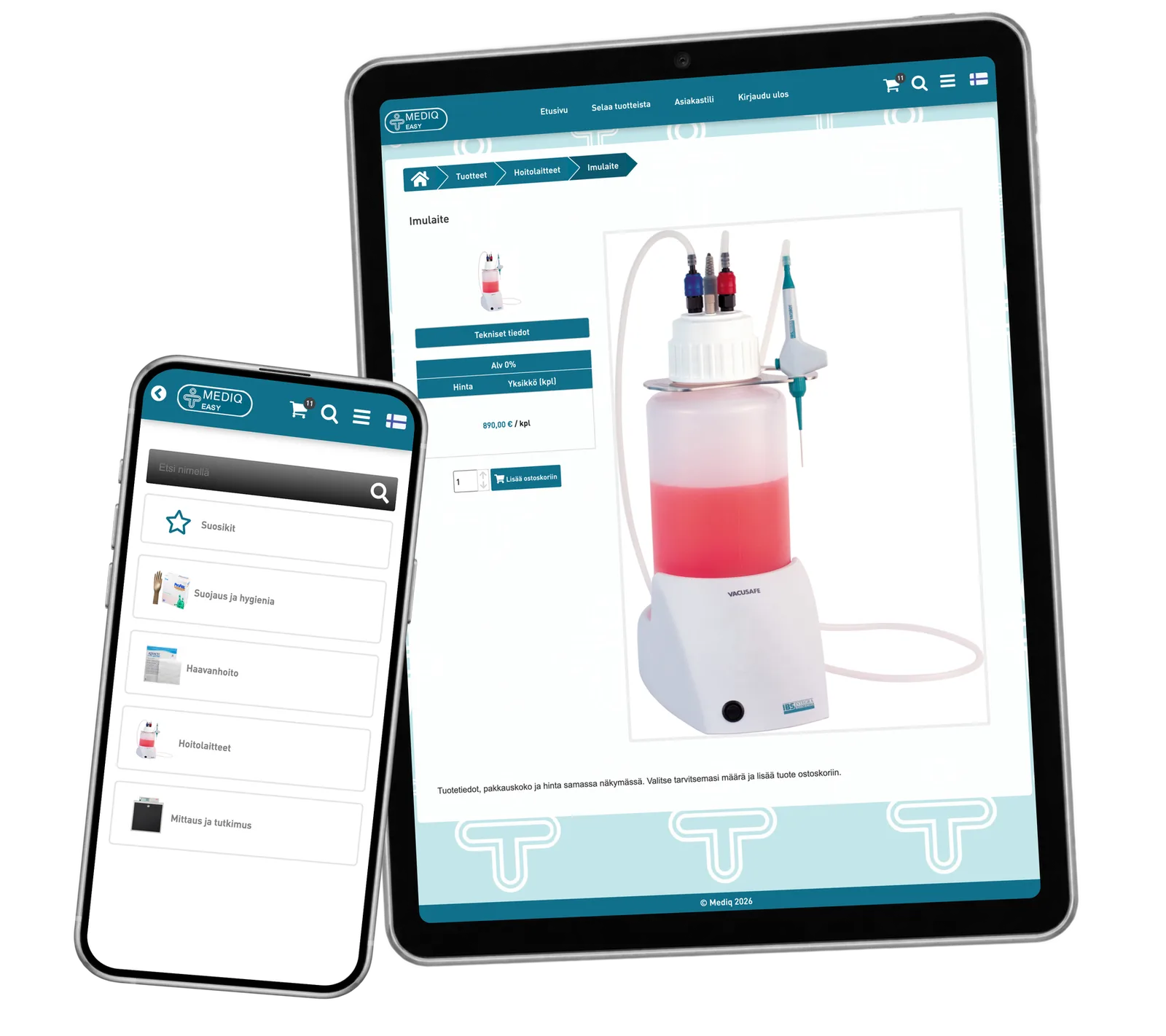
Product capabilities
What customers and teams can do
Find the right item
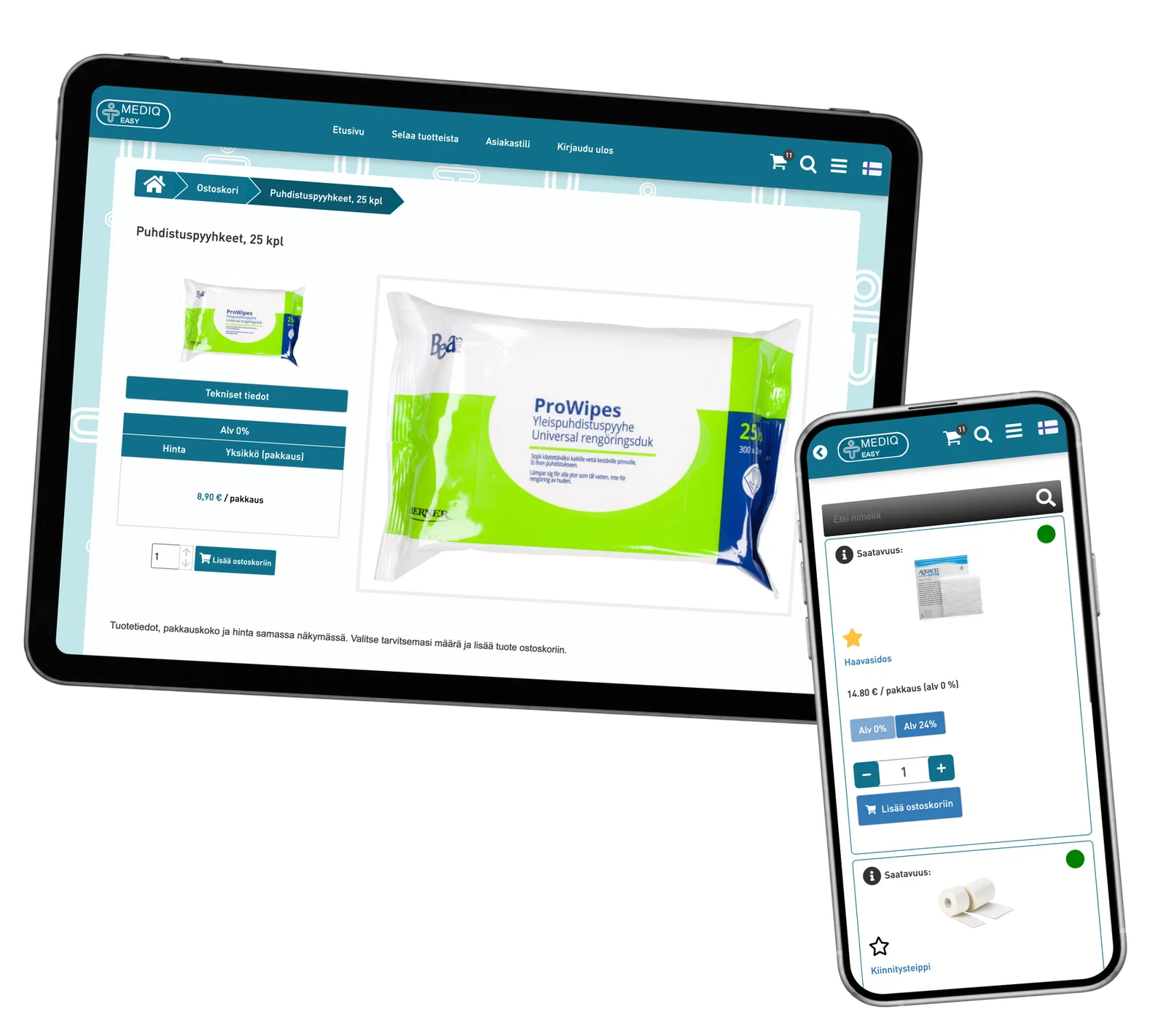
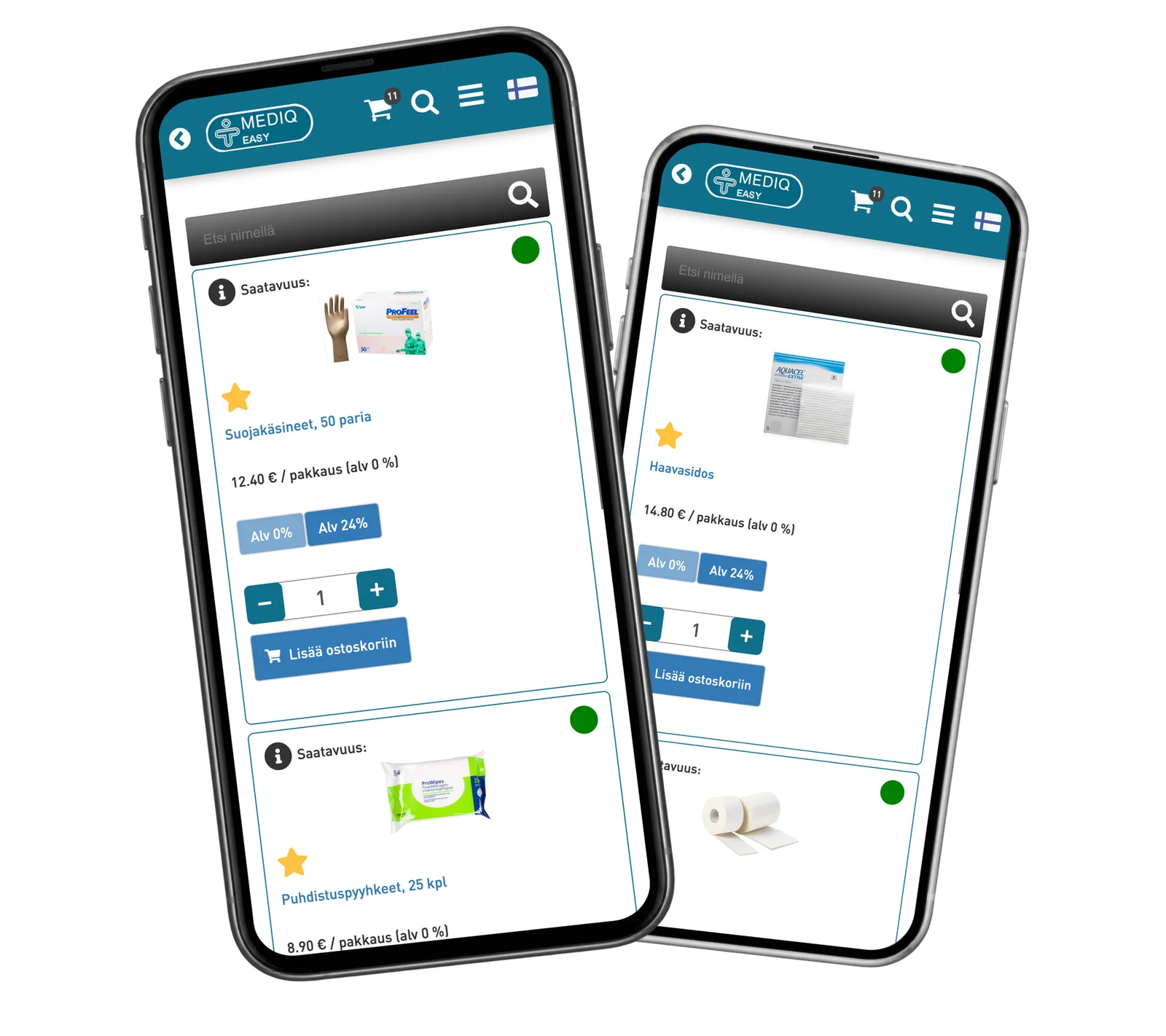
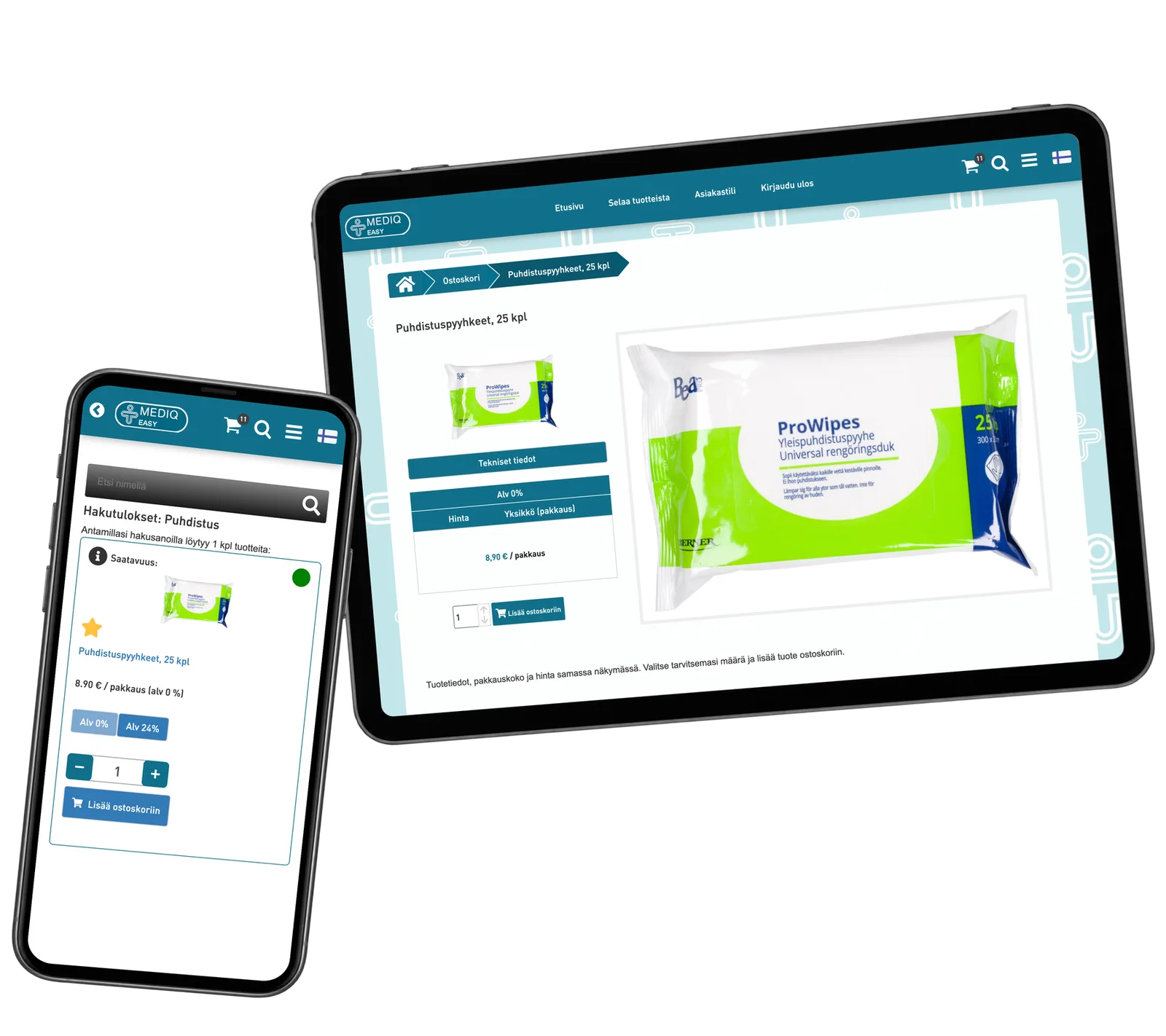
Browse by category or search by name. Check the product photo, pack size and price, then choose the quantities you need for the next order.
Keep everyday supplies close
Save regularly used products as personal favourites. Return to that selection and choose the quantities needed for the next order.
Prepare the clinic’s order
Choose the organisation and care site, check the reference and pickup or delivery details, and review the products and total together.
Return to earlier orders
Open the account’s order history and inspect an earlier order. Its items and recorded status give a reference for the next purchasing task.
Reusable platform model
What ReApptor can reuse from this case
A portal for your customers
Bring your assortment, customer roles and ordering steps into a portal designed around how your customers buy.
- Make product selection and the information needed for an order part of the same customer journey.
Ideal for
Distributors and suppliers serving organisations with several purchasing sites.
A clear handoff to operations
For a comparable portal, agree how orders reach your business system and who reviews them.
- Build the order handoff around your customer references, responsibilities and processing rules.
Ideal for
Suppliers connecting customer ordering with their internal business processes.
Make ordering fit your customers
Do your customers need a catalogue connected to their organisation, sites and ordering rules? Let’s map the actual buying journey and make a focused prototype you can try before extending the system.
Discuss your ordering workflow