
- Working prototype
- B2C & B2B commerce
- Document-assisted selection
Mediq e-CommercePersonal or business. One buying journey.
Start with a product, a saved list or a prescription image. Keep the selection connected to your phone.
An e-commerce prototype for personal and business purchasing. ReApptor connected a photographic catalogue, reusable shopping lists, mobile scanning and product selection from prescription images in one buying journey.
- Suomi (Finnish)
- English (English)
- Svenska (Swedish)
- Norsk (Norwegian)
ReApptor can build multilingual workflows for teams and customers working across markets!
Case overview
Business problem
Different buyers. Familiar supplies.
A supplier serves people buying for themselves and staff purchasing for an organisation. Some start with a familiar product, others with a prepared list or a document naming the supplies. Each needs to reach the right items and quantities without rebuilding the same selection every time.
Several ways into the same basket
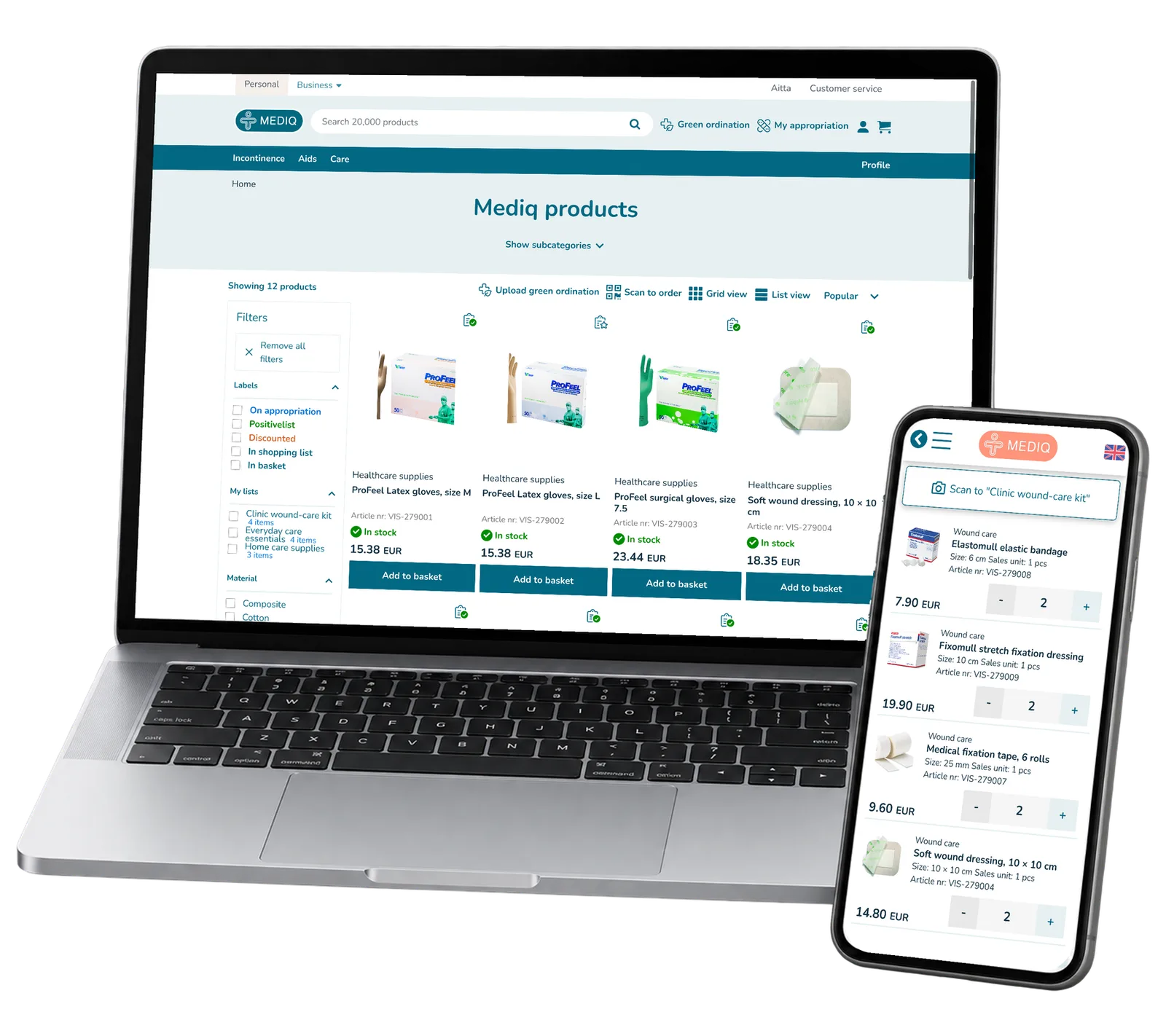
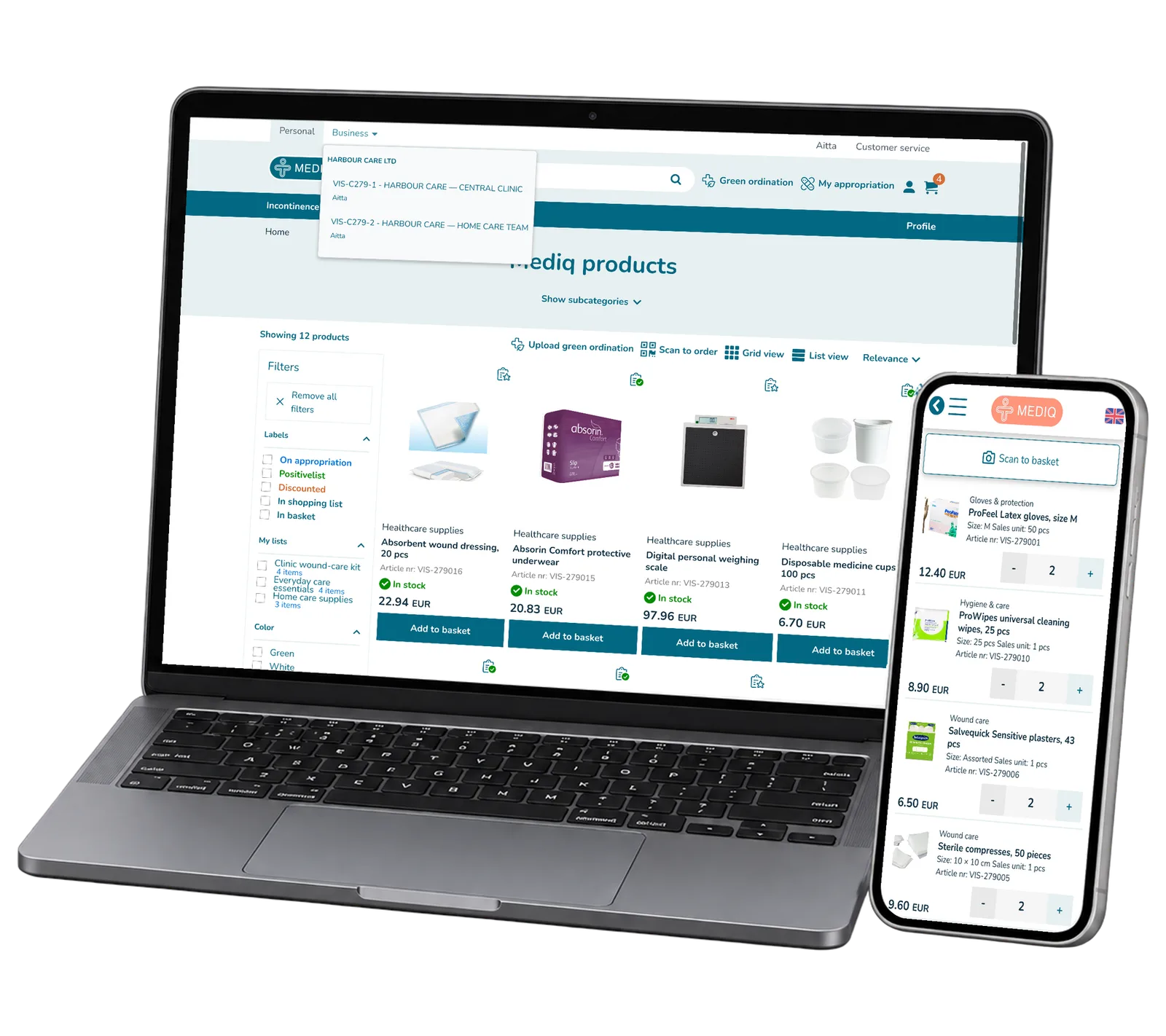
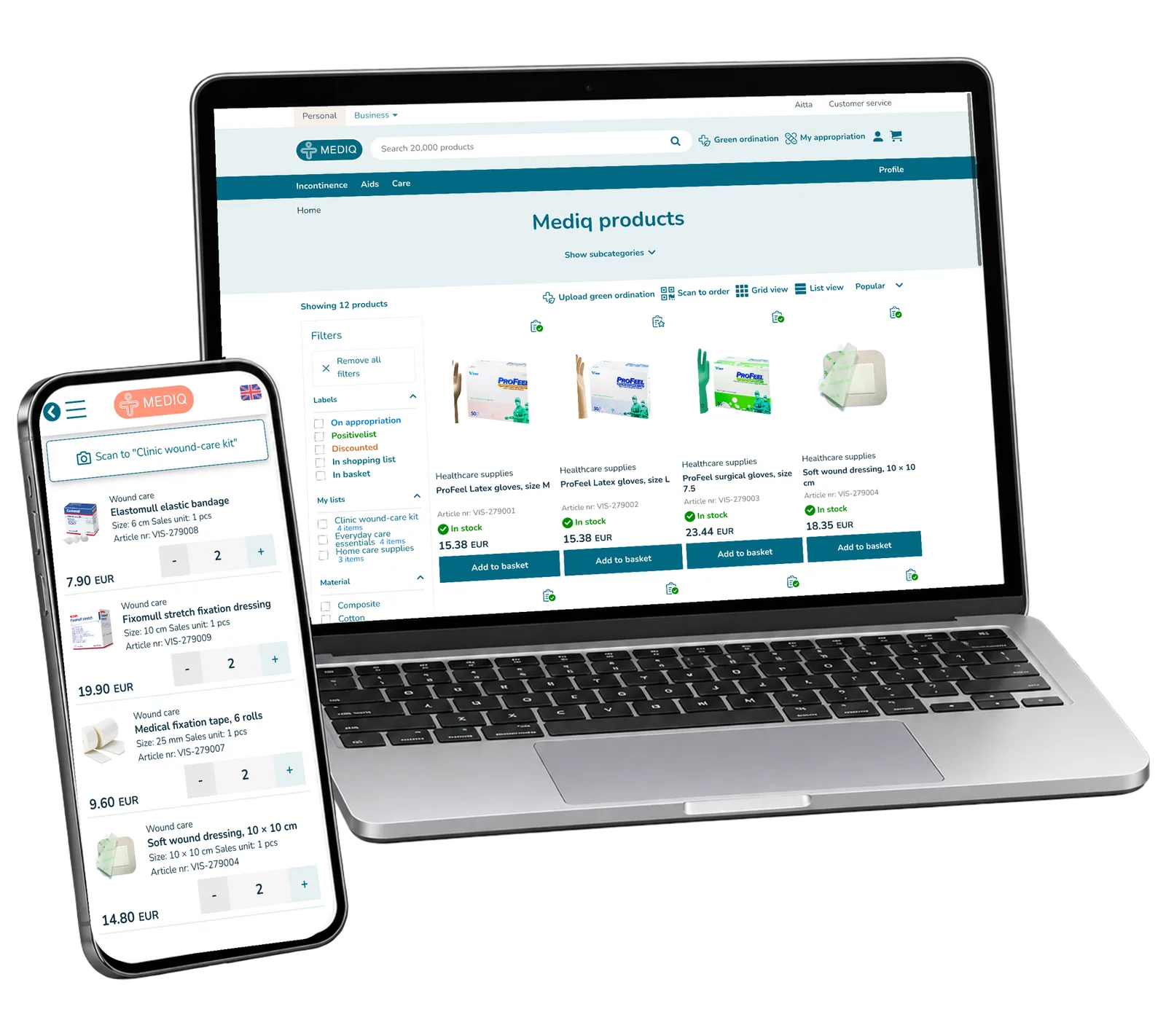
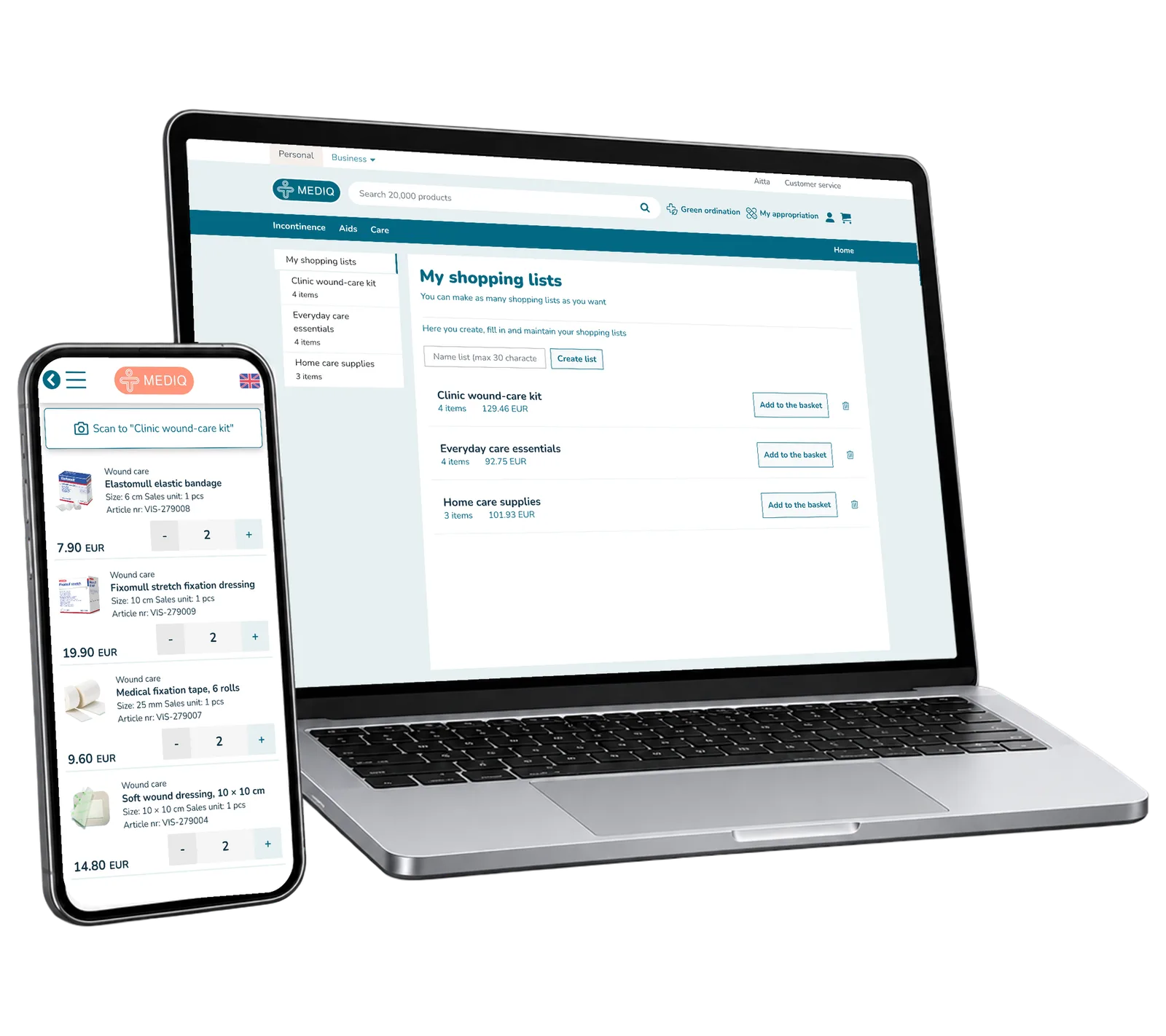
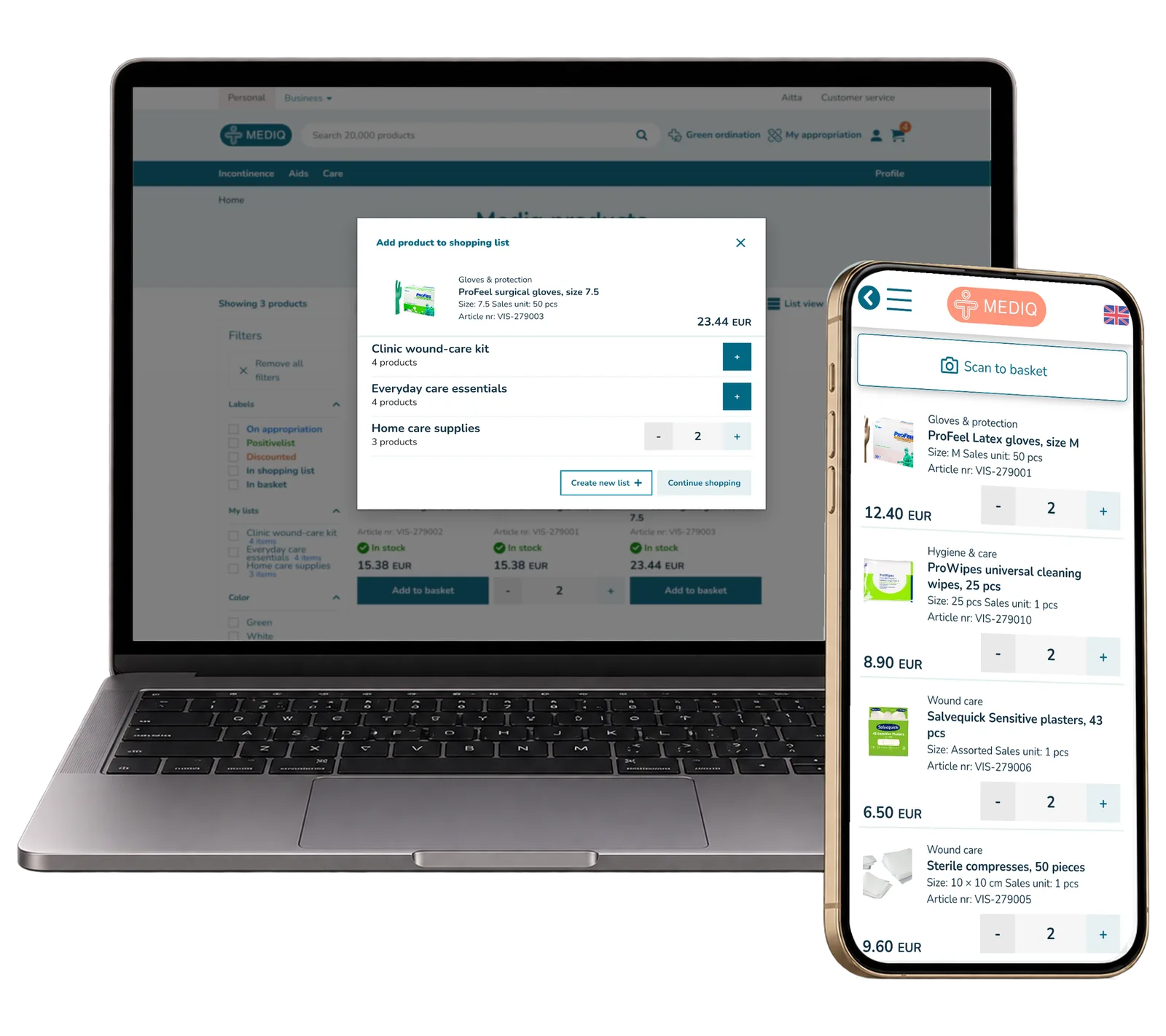
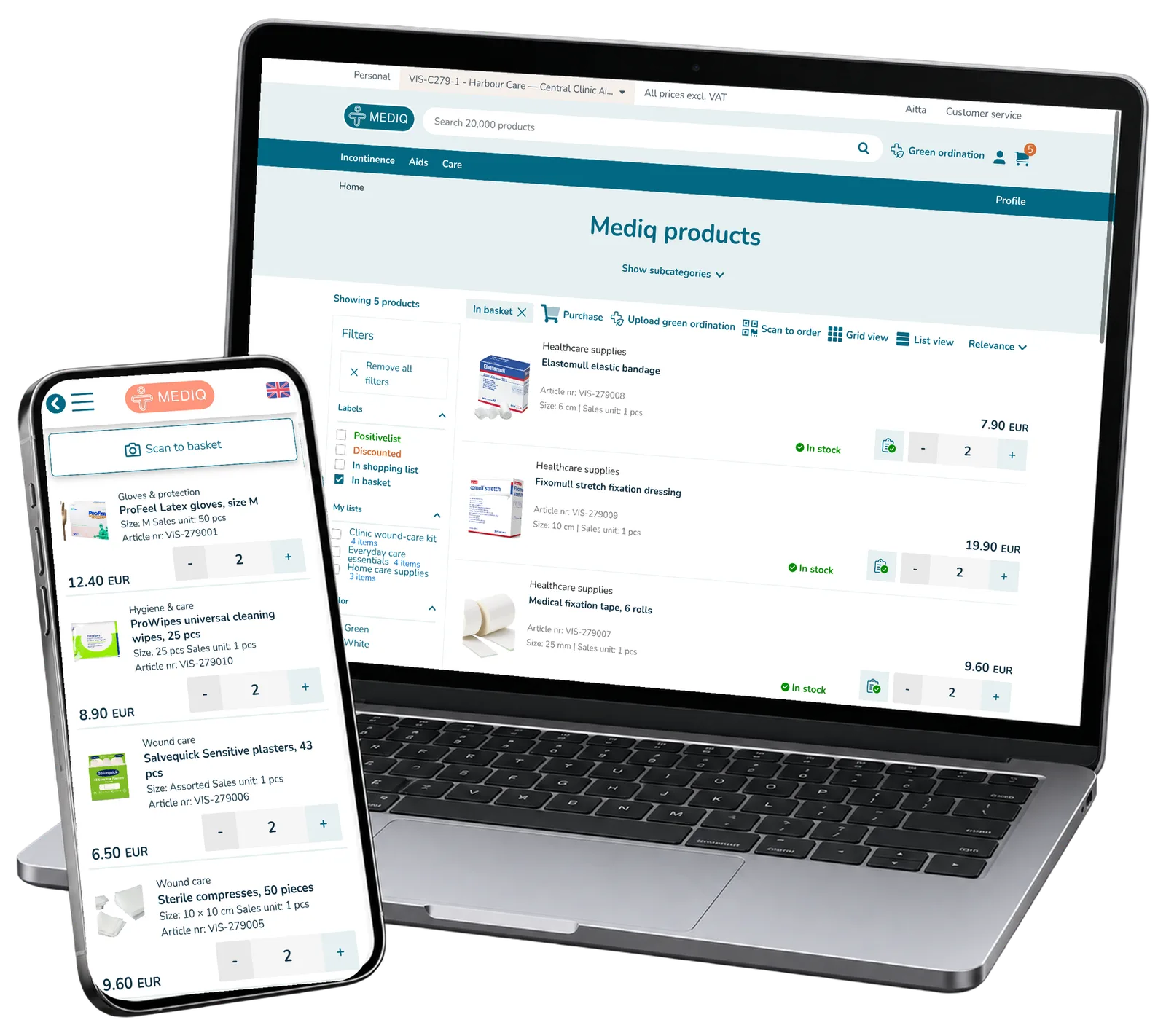
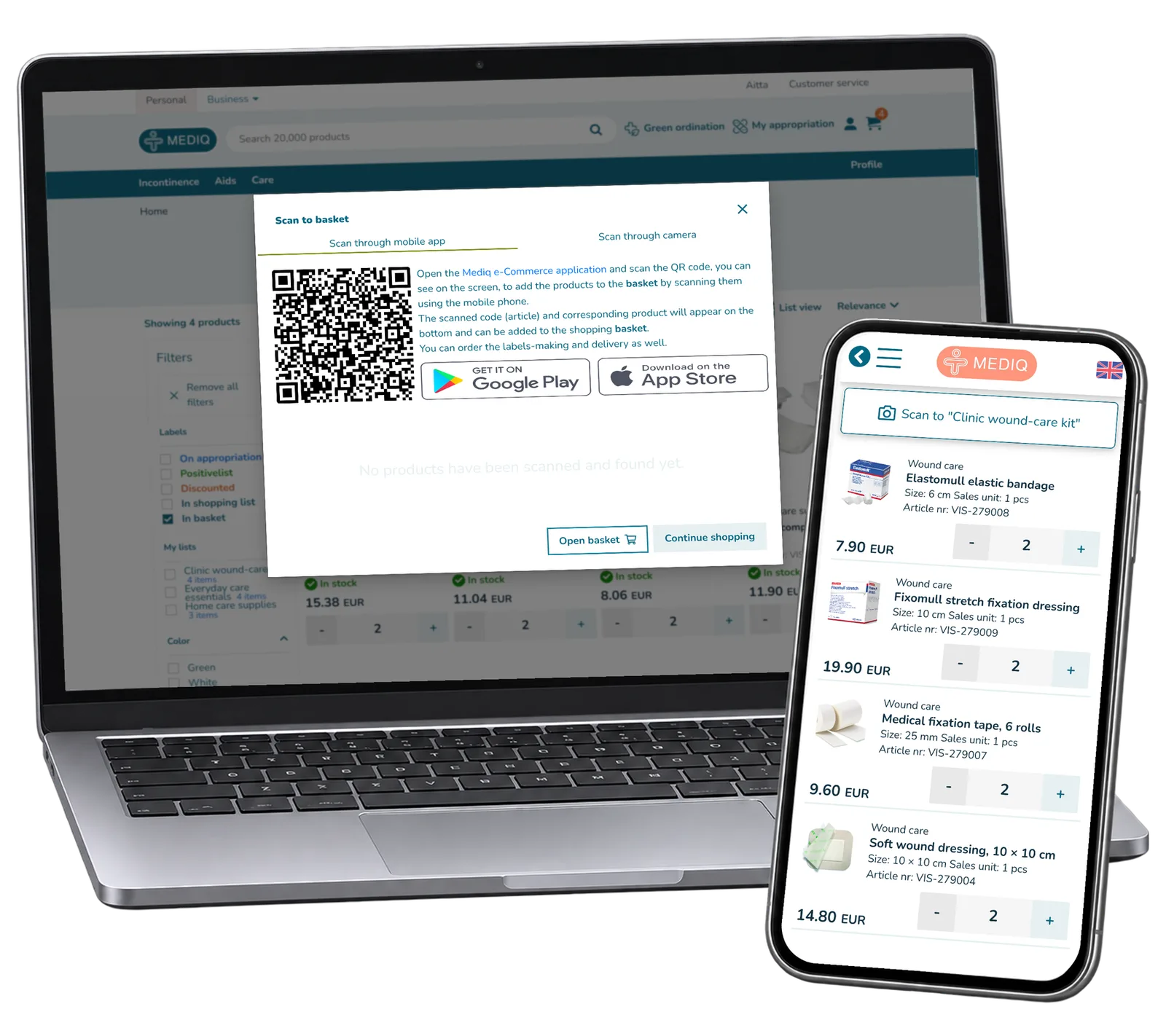
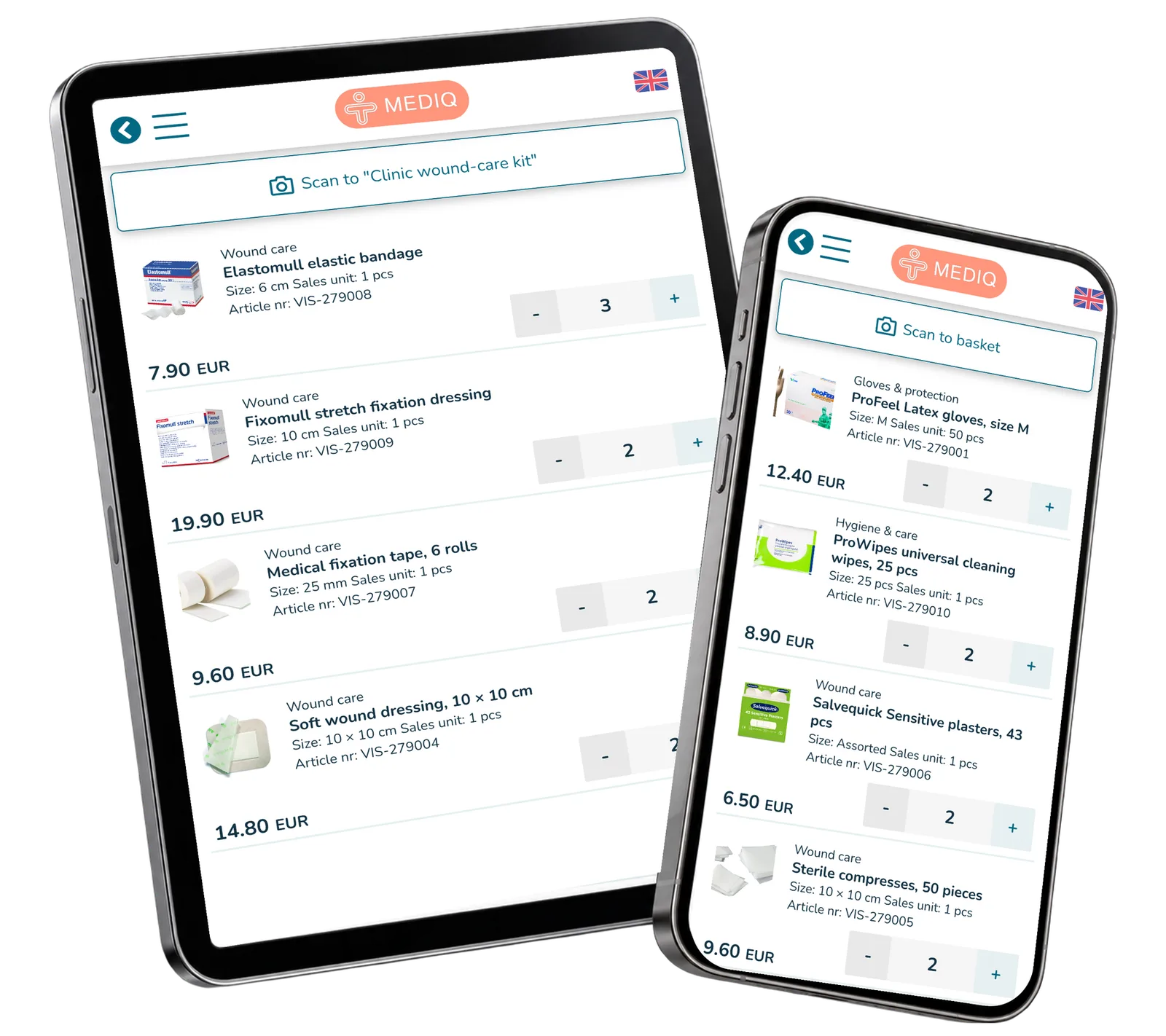
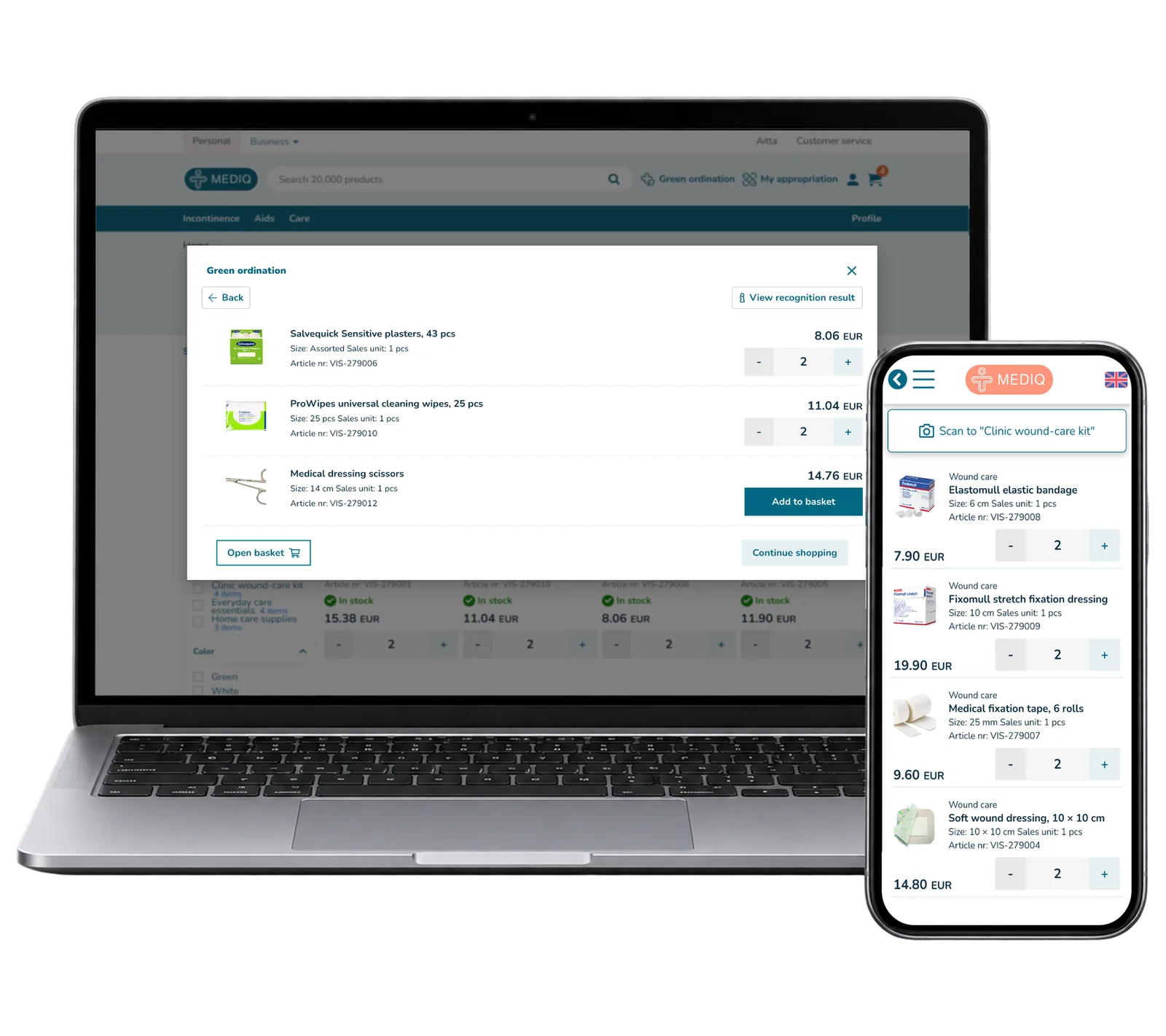
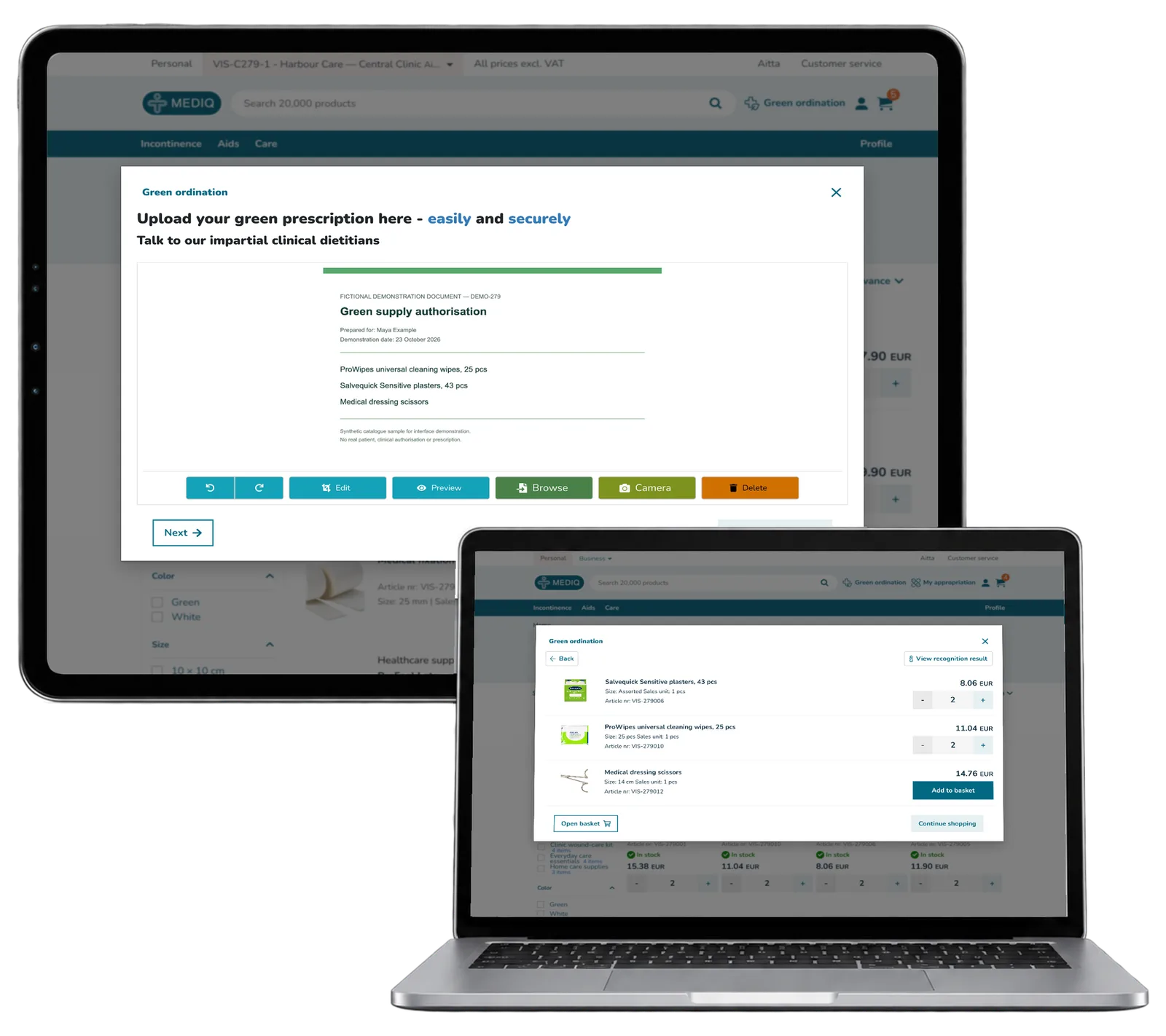
ReApptor built a separate commerce prototype on Mediq Aitta. Buyers can browse product photos, filter the assortment, choose a business unit and reuse shopping lists. A QR connection opens the basket or list on a phone. An uploaded prescription image can suggest matching catalogue items for the buyer to review. Screenshots use fictional demonstration data.
Screenshots and media
Screenshots and media
Product capabilities
What customers and teams can do
One portal, two buying contexts
Switch between personal shopping and an organisation’s purchasing unit. Keep the catalogue and basket in the selected context while choosing products and quantities.
Your next order starts with a list
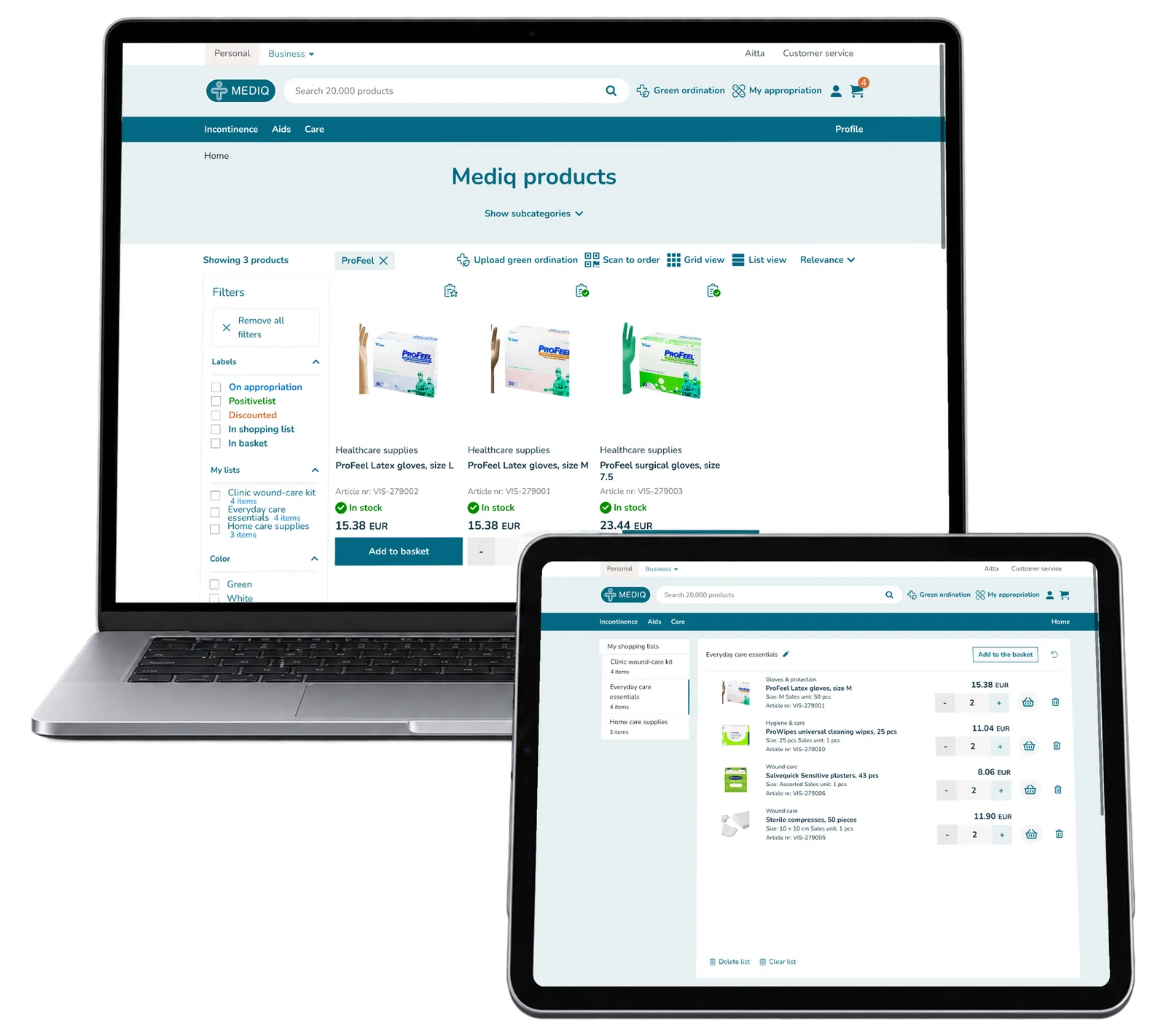
Create separate lists for everyday care and specific needs. Adjust the quantities, add individual products or move the prepared selection into the basket together.
Keep the phone and basket together
Connect a phone to a desktop basket or shopping list with a QR code. The dedicated mobile view lets the user scan products and adjust quantities in that selection.
From a document to a product choice
Upload a prescription image and inspect the matching catalogue products. Review the recognised text and unmatched lines before deciding which items to add.
Reusable platform model
What ReApptor can reuse from this case
A portal for your customers
Combine private and business purchasing, customer-specific choices and repeat orders in a portal designed around your assortment.
- Give customers a clear route from choosing supplies to preparing their next basket.
Ideal for
Suppliers and distributors serving individuals and organisations.
Document-assisted selection
Connect document text to your catalogue for users to review product suggestions. Shape the matching steps around your process.
- Keep the document and suggested products available for an informed choice.
Ideal for
Businesses turning incoming documents into structured product selections.
How do your customers buy?
Do people order for themselves, for a team or from a prepared list? Bring your actual catalogue and purchasing process. We can build a focused prototype around the choices, documents and mobile steps your customers need.
Discuss your customer portal