
- Working prototype
- Property inspections
- Photo-linked field notes
Katsastus TarkkaKeep the inspection and its context together.
Prepare the visit. Capture the findings. Review the report.
Property details, owner observations and inspection findings belong to the same story. ReApptor developed the Katsastus Tarkka prototype to connect the customer’s request with the inspector’s field notes and structured report.
- Suomi (Finnish)
- English (English)
- Svenska (Swedish)
- Русский (Russian)
ReApptor can build multilingual workflows for teams and customers working across markets!
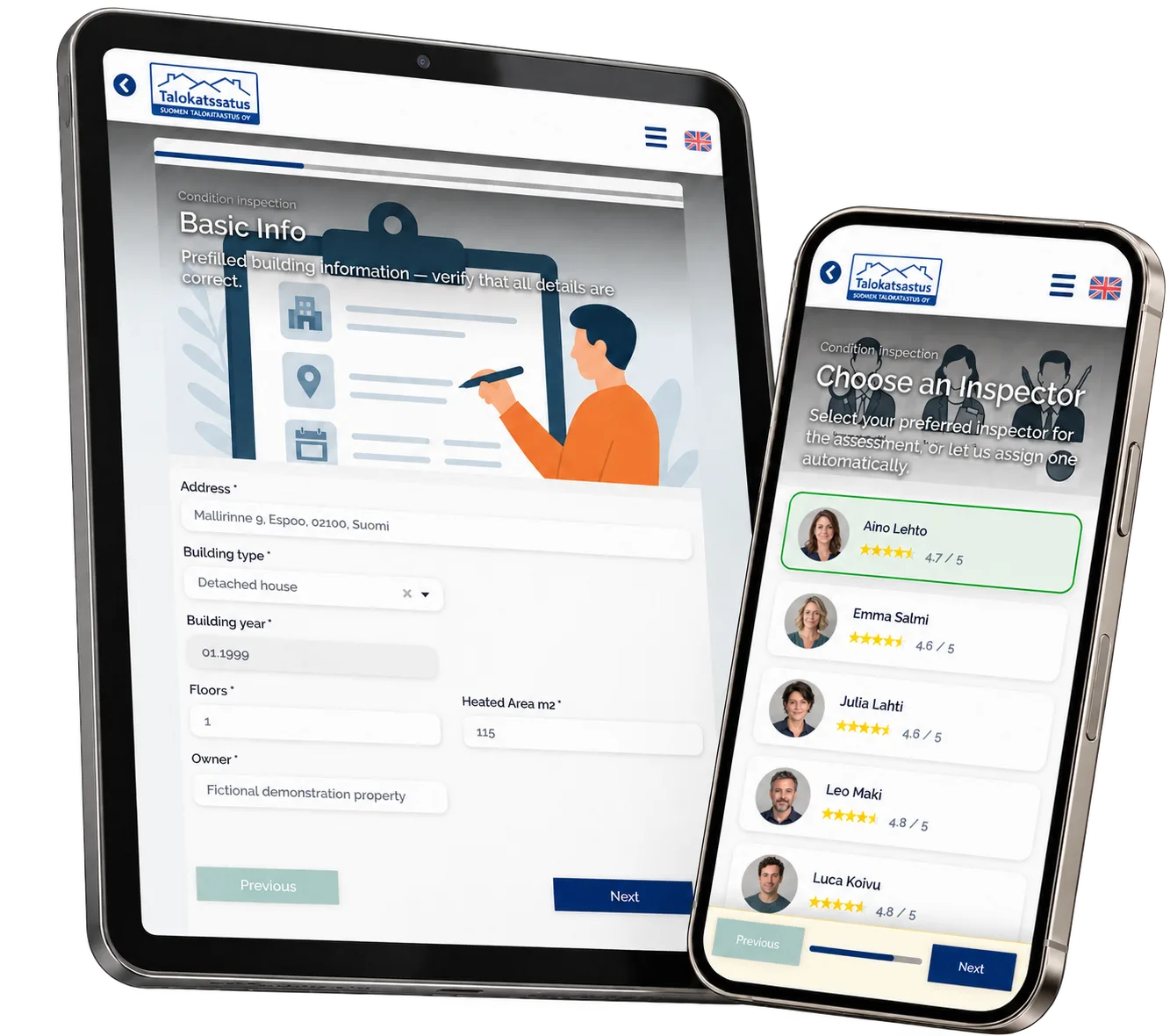
Case overview
Business problem
An inspection starts before the site visit
A property inspection brings together information from several people. The owner knows the building’s history and the issues they want checked. The inspector needs the address, building details, scope and visit date before arriving. During the visit, photographs and notes need to stay connected to the right property and building section. Afterwards, those observations must become a report that a professional can review. Katsastus Tarkka explores this complete service workflow as a working prototype, with separate interfaces for the customer and the inspector.
One path from request to reviewed findings
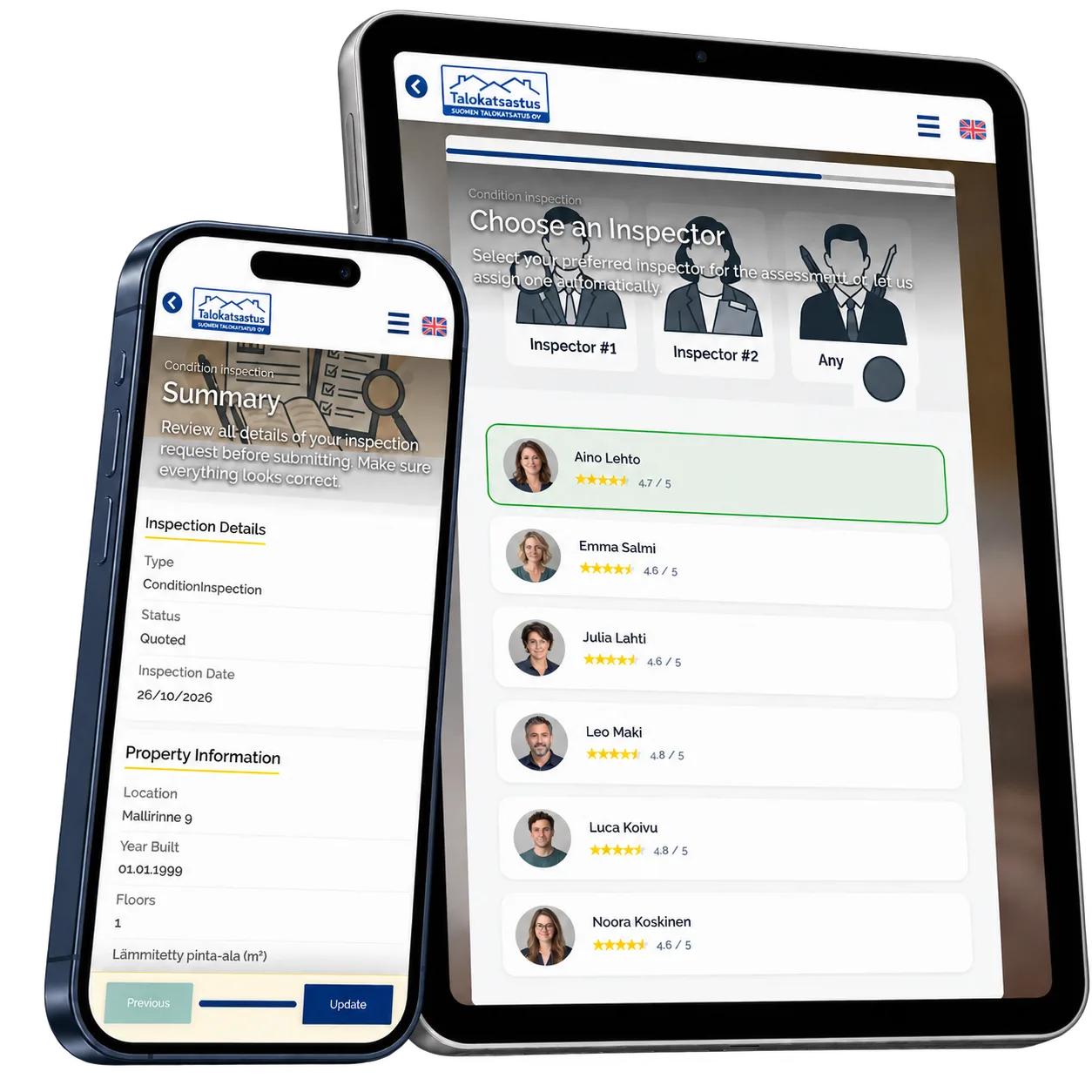
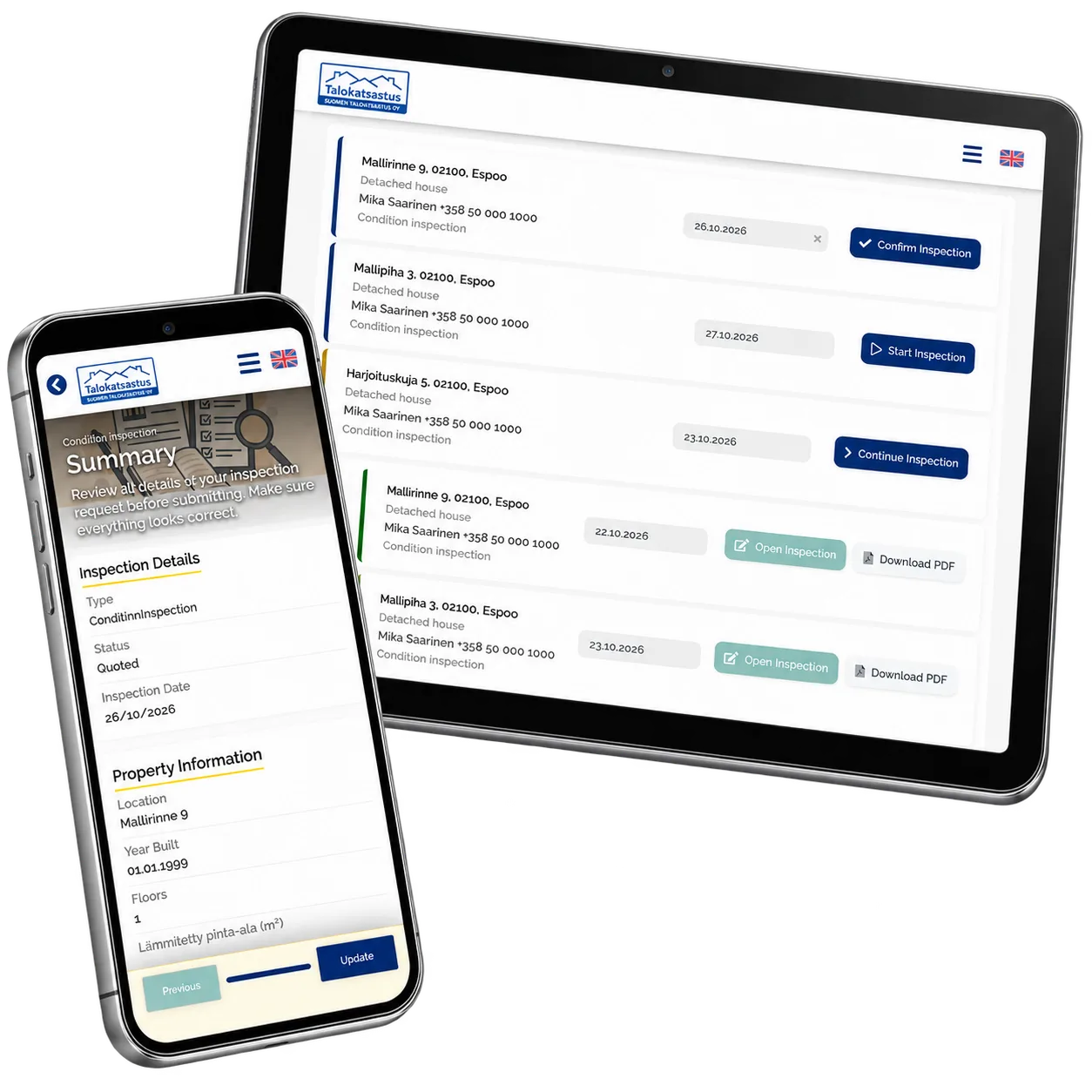
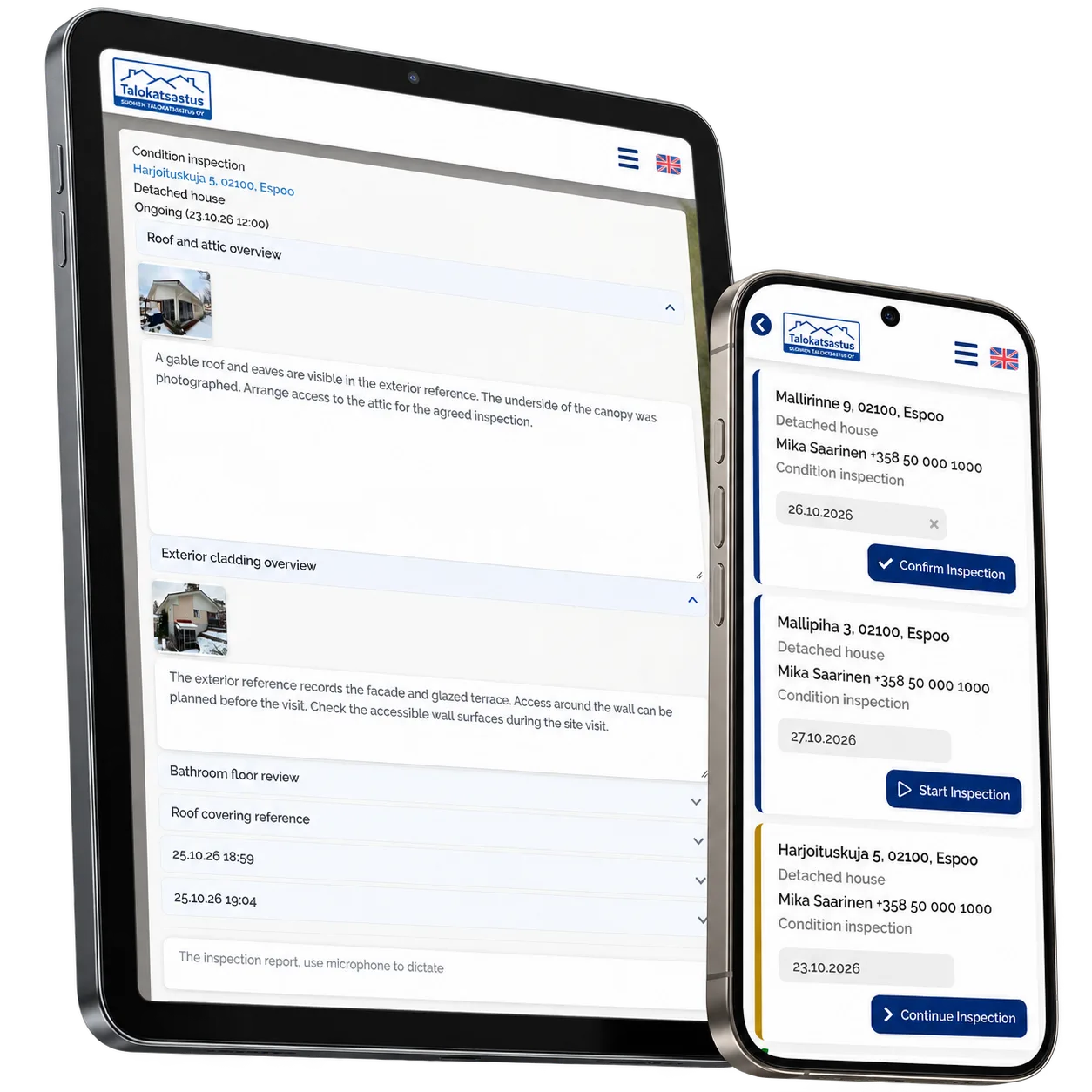
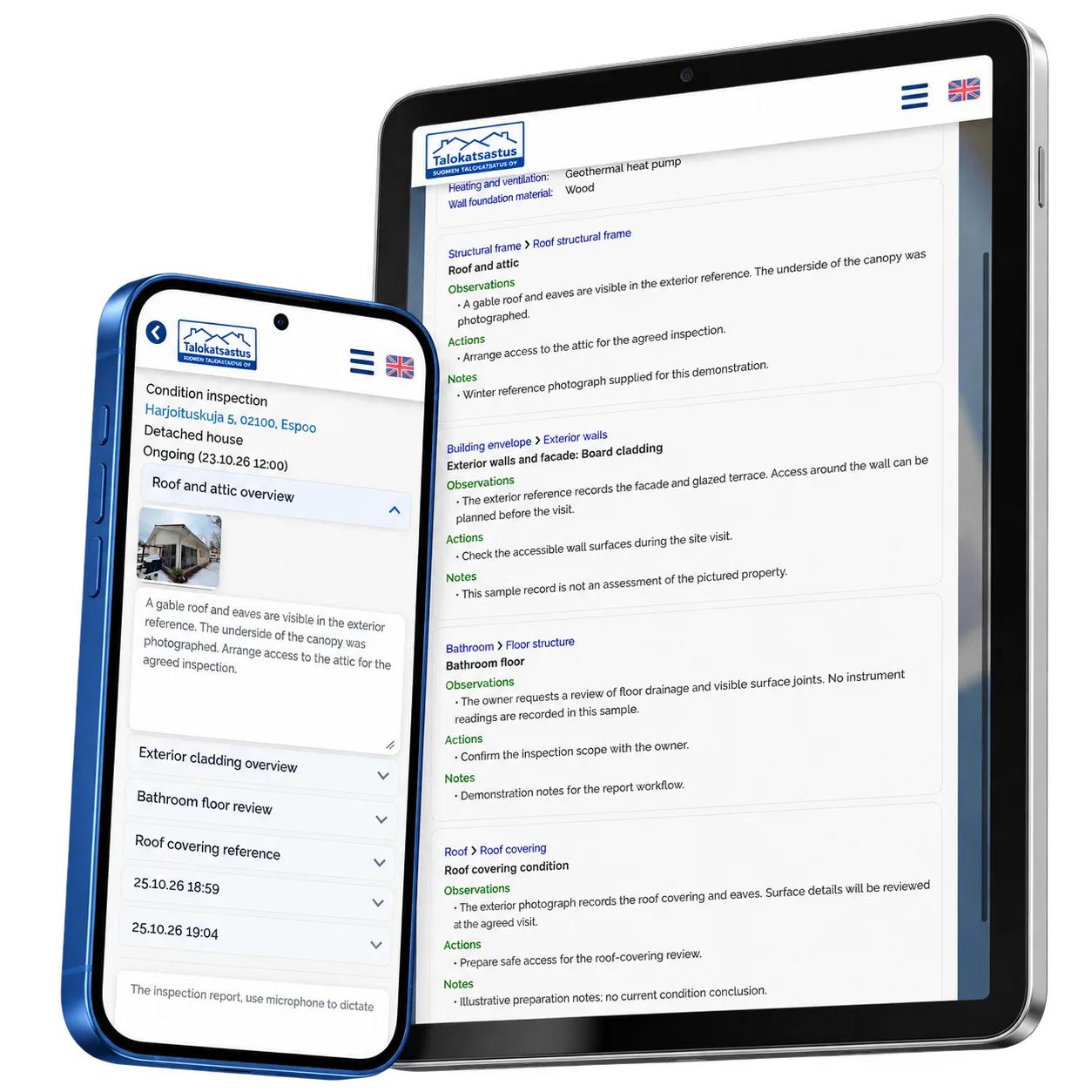
The customer checks prefilled property details, describes earlier issues and inspection wishes, and reviews the available inspector profiles. The inspector’s work queue distinguishes requests awaiting confirmation, scheduled visits, ongoing work and completed inspections. At the property, the inspector records each check as a session with notes and photographs. The reporting workflow organizes the material into observations, proposed actions and notes under the relevant building sections. AI-assisted report preparation is part of the prototype’s design, with the inspector reviewing the result. The screens shown here use fictional local records and prepared report examples; they illustrate the real application rather than measured inspection outcomes.
Screenshots and media
Screenshots and media
Product capabilities
What customers and teams can do
Prepare the property visit
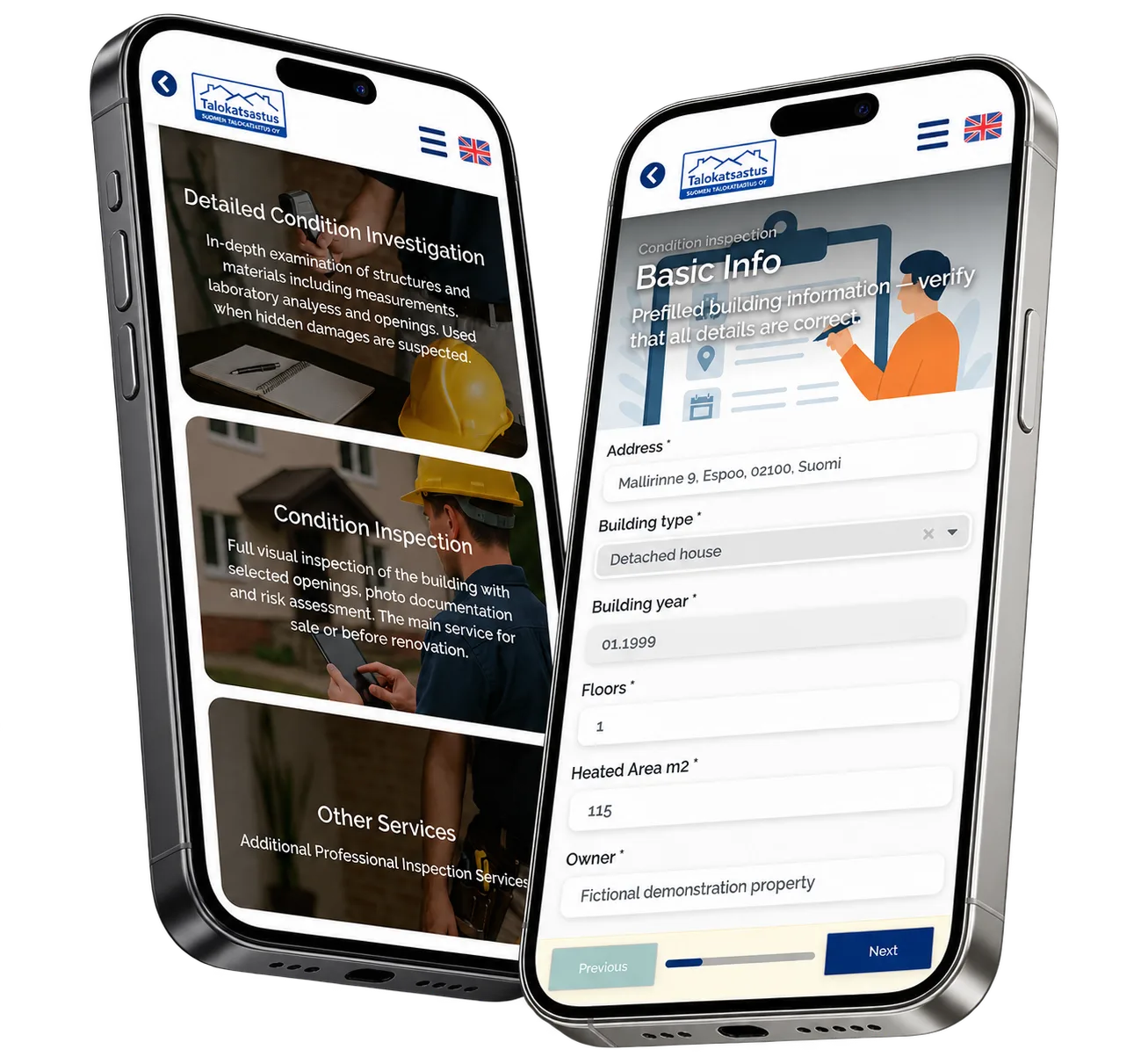
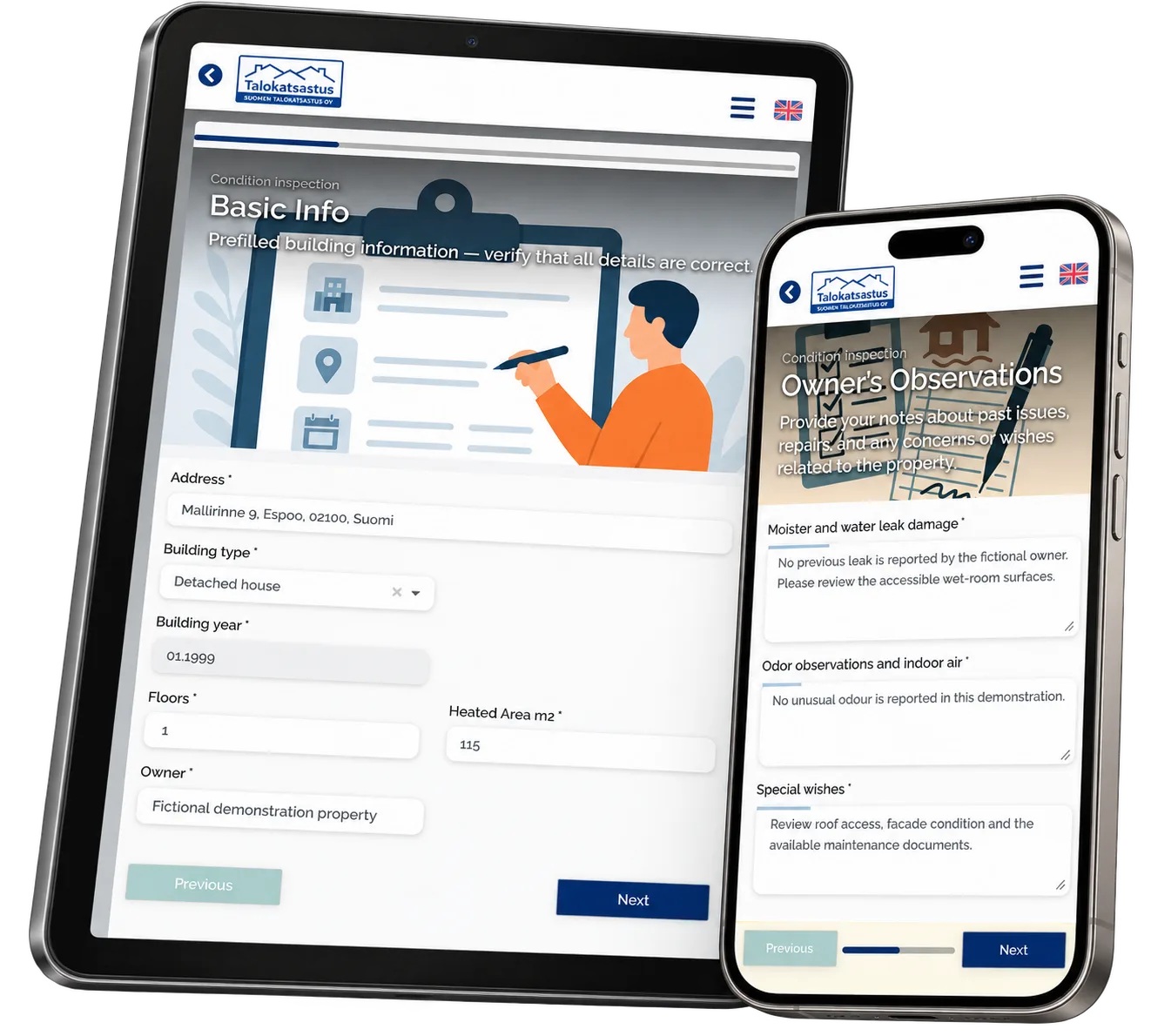
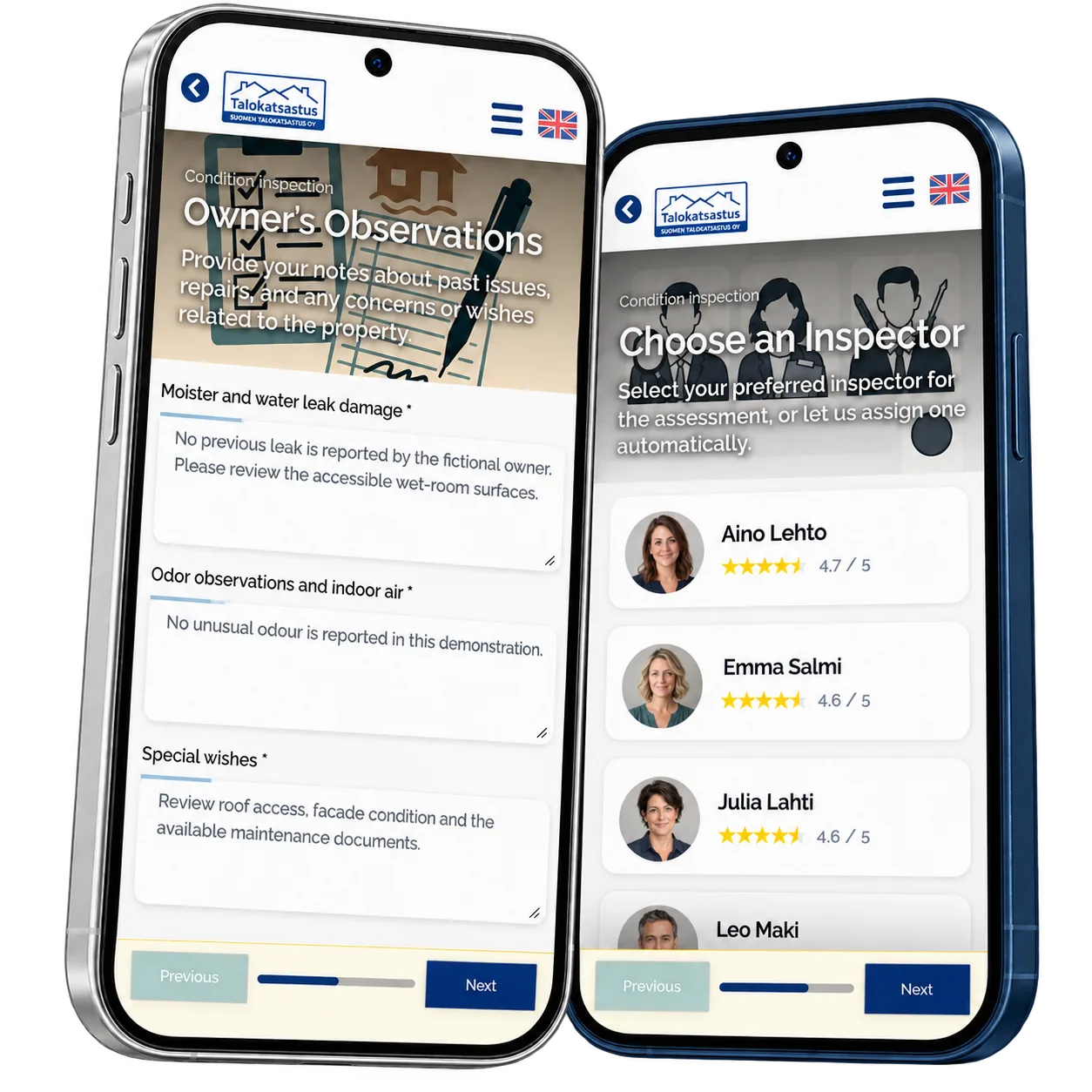
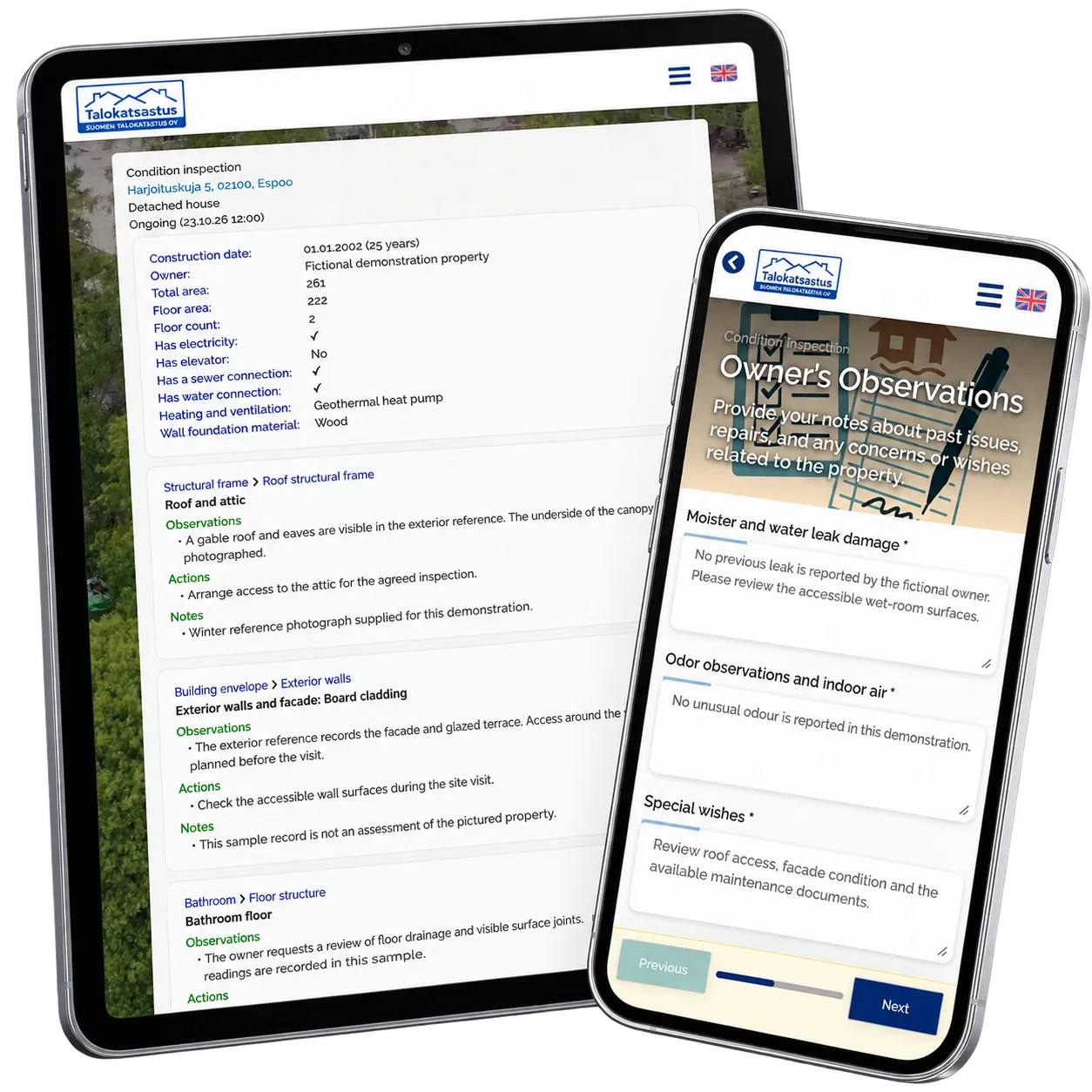
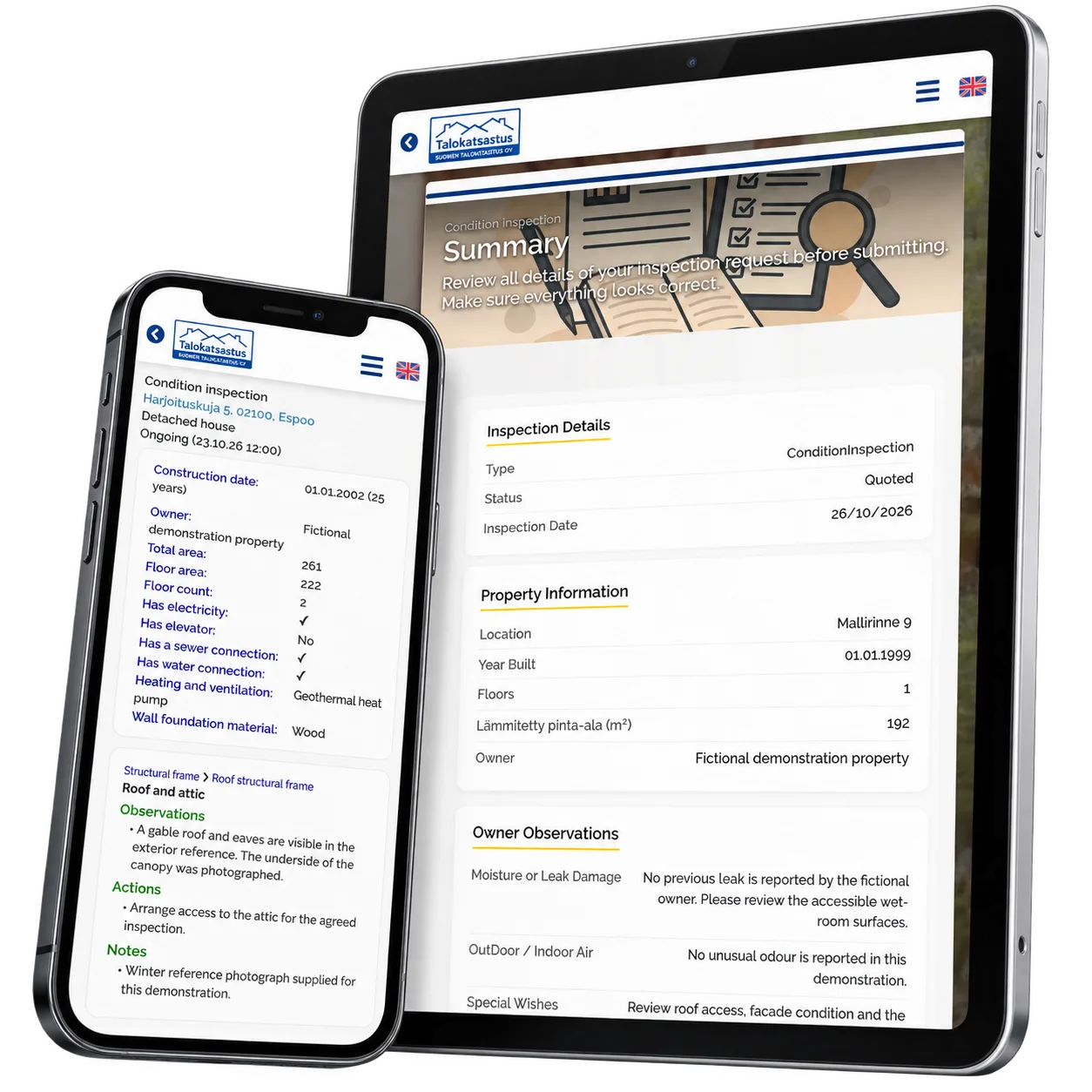
The request wizard brings the building’s basic information and the owner’s observations into the same flow. The customer can describe moisture concerns, indoor-air observations and special wishes, then review the available inspector profiles. A summary lets them review the request before saving.
Keep field evidence together
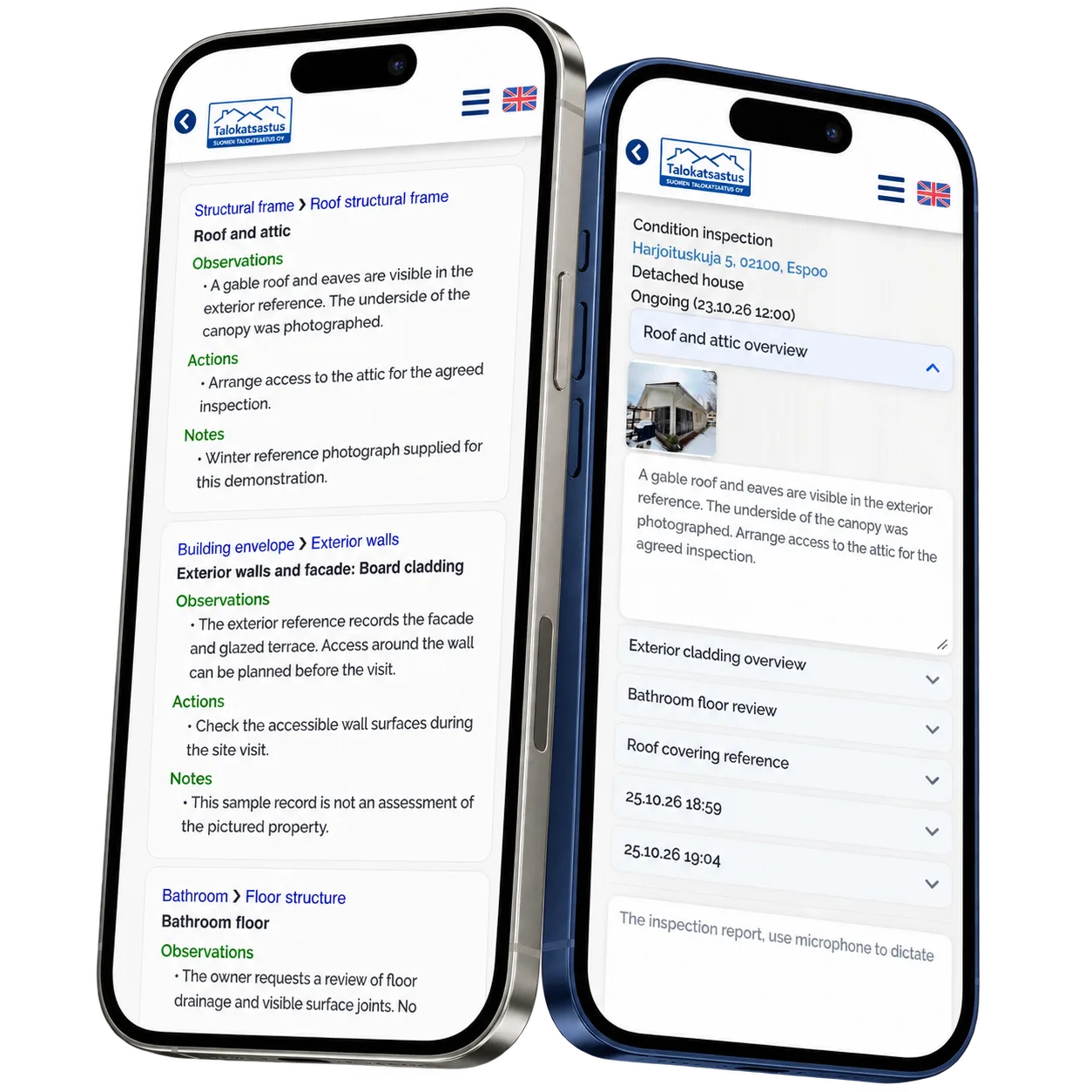
The inspector opens the relevant property from the work queue and records checks as separate sessions. Photographs stay with the corresponding written observations. Earlier sessions remain available while the next check is documented, keeping the visit’s working material together on a phone or tablet.
Give findings a clear structure
The report view groups findings by building section, such as the roof, exterior walls or bathroom. Observations, proposed actions and notes have separate places. The inspector can move between field notes and the report preview to review the content in the context of the property.
Reusable platform model
What ReApptor can reuse from this case
Customer preparation portal
Let customers describe the property and their concerns before a specialist arrives. Connect guided questions, service selection and a review step to the same business record, with the wording and information adapted to your service.
- Give the specialist useful context before the visit.
Ideal for
Inspection and expert-service teams arranging customer visits.
Photo-linked field records
Keep an observation, its photograph and the inspected object connected. Organize the work into distinct checks so that specialists can return to earlier notes and photographs while continuing the visit on a mobile device.
- Keep visual evidence beside the observation it supports.
Ideal for
Teams documenting properties, equipment or on-site conditions.
Reviewed report drafts
Structure report drafts around the service’s sections, observations and proposed actions. AI assistance can work within that template, with a professional reviewing the result before it becomes the accepted account of the inspection.
- Retain professional judgement in the reporting workflow.
Ideal for
Specialist services producing structured inspection reports.
Build the workflow around your inspection service
Show us how customers request a visit, what your specialists record on site and how you prepare the final report. We can discuss an application that connects those steps around your own service, templates and responsibilities.
Discuss your inspection workflow